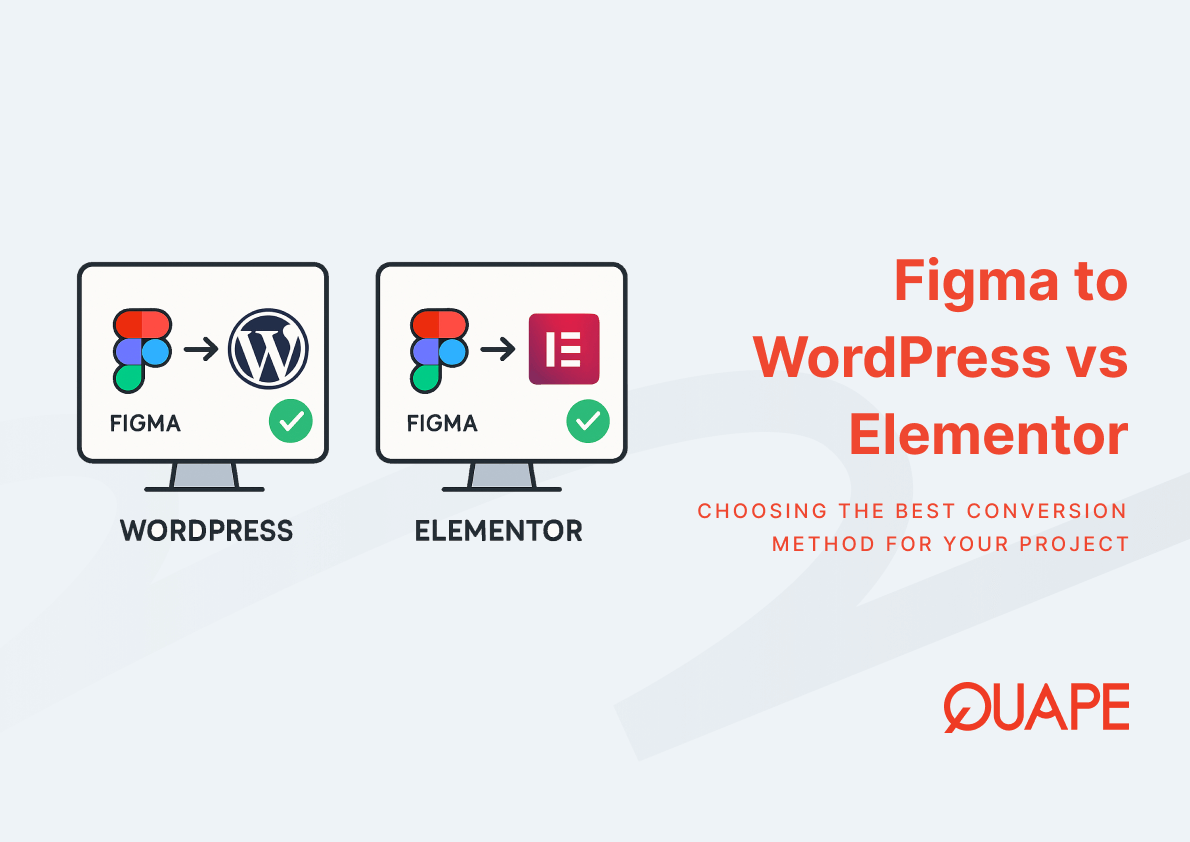
Choosing the right conversion path from Figma affects more than just how your website looks on launch day. It shapes how your site performs under load, how your team maintains it over time, and how much control your engineers retain as requirements evolve. For IT managers, CTOs, and procurement leads in Singapore, this decision carries real operational weight, particularly when scalability and security compliance are non-negotiable. The two most common routes, converting Figma designs into a custom WordPress theme versus building through Elementor, each carry distinct trade-offs that are rarely discussed with enough technical honesty. Understanding those trade-offs before committing to a development approach can prevent costly replatforming down the road.
Introduction to Figma to WordPress vs Elementor
Figma has become a standard handoff tool between design and development teams, offering precise specifications, component libraries, and prototype flows that developers can translate directly into code. The question is not whether Figma is the right design tool; for most teams, it is. The question is what happens after the design is finalized.
The two dominant implementation paths for WordPress are custom theme development and page builder workflows, with Elementor being the most widely adopted builder. These paths diverge significantly in architecture, performance profile, and long-term maintainability. A proper understanding of the Figma to WordPress conversion process establishes the foundation for evaluating which approach genuinely fits your organization’s technical requirements and growth trajectory.
Poin-Poin Utama
- Custom WordPress theme development preserves pixel-level fidelity to Figma designs, while Elementor workflows are constrained by widget boundaries and builder logic.
- Elementor introduces additional JavaScript, CSS, and DOM elements that can increase page weight and reduce Core Web Vitals scores.
- Plugin dependency chains create compounding maintenance obligations; each additional plugin increases the surface area for version conflicts and security vulnerabilities.
- According to Google, 53% of mobile users abandon sites that take longer than 3 seconds to load, making performance optimization a direct business concern.
- Software maintenance costs account for 40% to 80% of total lifecycle costs, according to IEEE, making architectural choices at launch highly consequential.
- For SMEs in Singapore undergoing digital transformation, the apparent cost savings of a page builder approach may be offset by replatforming or remediation costs within 2 to 3 years.
- Custom development enables direct optimization of DOM structure, asset loading, and server-side rendering, giving engineering teams meaningful control over performance outcomes.
- Security posture improves when plugin surface area is minimized, which is a meaningful consideration for businesses operating under PDPA or ISO compliance frameworks.
Key Components and Concepts of Figma to WordPress vs Elementor
What is Figma to WordPress Conversion?
Figma to WordPress conversion refers to the process of translating a Figma design file into a fully functional WordPress theme using hand-coded HTML, CSS, PHP, and JavaScript. A frontend developer reads the Figma design specifications, replicates the layout and visual logic in code, and registers that code as a custom WordPress theme. The result is a theme that contains only the code the site actually needs, with no builder overhead, no proprietary widget structure, and no dependency on a third-party plugin to render the design correctly.
This approach gives engineering teams full ownership of the codebase. Every spacing value, typography rule, and interaction state exists in a file the team controls directly. For pixel-perfect Figma to WordPress builds, this level of control is what separates a faithful design translation from a close approximation constrained by builder limitations.
What is Figma to Elementor Workflow?
The Figma to Elementor workflow involves importing or manually recreating a Figma design within the Elementor visual editor, which operates as a WordPress plugin. Elementor provides drag-and-drop widgets, section containers, and style controls that allow non-developers to assemble page layouts without writing code. This reduces the need for dedicated frontend development time on initial build, which is the primary reason many SMEs adopt it.
However, Elementor’s visual interface abstracts the underlying markup. The HTML and CSS Elementor generates are determined by the builder’s internal logic, not by the developer’s direct control. As designs become more complex or brand requirements more specific, teams often encounter situations where Elementor’s widget system cannot reproduce the Figma design accurately without workarounds, additional plugins, or custom CSS overrides that increase fragility over time.
Design Flexibility: Code-Based vs Builder-Based Approach
Design flexibility in web development describes the degree to which a development team can implement any visual or interactive specification without being constrained by tool limitations. Custom WordPress theme development supports near-complete design flexibility because the developer writes CSS and HTML directly, with no intermediary system interpreting or overriding their intent.
Elementor’s builder-based approach works well within the range of layouts its widgets support. Outside that range, design fidelity begins to erode. For businesses that have invested in a refined Figma design system, where WordPress design consistency is a documented requirement, builder constraints become a practical obstacle rather than a minor inconvenience. The result is often a published site that resembles the Figma mockup but does not match it precisely, introducing inconsistencies that accumulate across pages and device sizes.
Performance and SEO Implications
Page performance is shaped by DOM complexity, script execution volume, and the number of resource requests a browser must resolve on load. Custom WordPress themes produce lean, purpose-built markup that aligns directly with what the page needs to render. Elementor, by contrast, loads its own JavaScript libraries, widget scripts, and style sheets on every page regardless of which widgets are actually used on that page.
This architectural difference has direct consequences for Core Web Vitals scores, which Google uses as a ranking signal. A heavier DOM and more render-blocking scripts lower Largest Contentful Paint and Interaction to Next Paint scores, which negatively affects both search ranking and user experience. For businesses where WordPress theme speed and SEO performance are tied to lead generation or e-commerce conversion, the performance gap between a custom theme and a builder-generated site is not abstract. It is measurable and it compounds at scale.
Maintenance and Scalability Considerations
Software maintenance is one of the most underestimated cost categories in web development decisions. Every plugin a WordPress site depends on requires monitoring, testing, and updating. When a plugin releases a new version that introduces a conflict with another plugin or with the WordPress core, someone on your team must identify, isolate, and resolve that conflict. Multiply that obligation across Elementor, its add-ons, and any supporting plugins, and the maintenance overhead becomes significant.
IEEE research indicates that software maintenance accounts for 40% to 80% of total lifecycle costs. For organizations planning multi-year WordPress deployments, this statistic reframes the economics of builder-based development considerably. Custom themes, by reducing plugin dependencies, reduce the maintenance surface and allow engineering teams to scale content and functionality without compounding technical debt. The relationship between Figma to WordPress hosting decisions and long-term maintenance overhead is also worth evaluating at this stage, since managed hosting environments can partially offset plugin management burdens.
Security and Compliance Risks
Each WordPress plugin a site installs represents an additional dependency with its own update cycle, code quality standard, and vulnerability profile. The OWASP Foundation consistently identifies vulnerabilities in third-party components as a significant category of web application security risk. For a site running Elementor alongside multiple add-on plugins, the attack surface is wider than a custom theme that requires no builder infrastructure at all.
For Singapore businesses subject to PDPA requirements or pursuing ISO certification, this is not a theoretical concern. A security incident traced to a vulnerable plugin can trigger breach notification obligations and reputational damage. Evaluating Figma to WordPress security practices during architecture selection, rather than after deployment, is the more defensible approach. Teams that need to meet PDPA and ISO compliance standards should factor plugin surface area into their risk assessment from the outset.
Cost Structure Comparison in Singapore
The upfront cost of a Figma to Elementor build is typically lower than a custom theme build because the visual editor reduces frontend development hours. This is the argument most agencies lead with when recommending builder-based workflows. However, the total cost of ownership calculation changes substantially when you account for licensing fees for Elementor Pro and its add-ons, ongoing plugin maintenance, performance remediation, and the potential cost of replatforming when builder limitations block a required feature or scalability milestone.
Custom WordPress theme development carries higher initial investment but produces a leaner, more maintainable codebase that reduces long-term operational costs. For Singapore SMEs and enterprises evaluating Figma to WordPress cost structures, the question to ask is not which option costs less to build, but which option costs less to operate over a 3 to 5 year horizon.
Aplikasi Praktis untuk Bisnis Singapura
Singapore businesses operate in a digital environment where performance, trust, and compliance are baseline expectations rather than differentiators. IT managers and CTOs evaluating web development approaches should treat the Elementor vs custom theme decision as an architectural decision, not a design preference. The builder-based approach suits projects with short timelines, limited budgets, and low complexity requirements. It works well when the team managing the site is non-technical and content updates are the primary ongoing activity.
Custom development suits organizations where the Figma design represents a brand investment that must be translated precisely, where performance benchmarks are tied to business outcomes, and where the engineering team needs to maintain direct control over the codebase. For businesses engaged in digital transformation in Singapore, aligning web architecture with long-term scalability requirements is more valuable than optimizing for launch speed alone. Local SEO and UX outcomes in Singapore are also influenced by page performance, which makes the technical architecture decision commercially relevant.
How Figma/PSD to WordPress Supports Better Long-Term Outcomes
A custom Figma to WordPress build produces a site architecture that reflects the design intent from the first line of code. Because the theme is written specifically for the project, there is no builder scaffolding to work around, no proprietary widget system to maintain, and no third-party rendering logic between the designer’s intent and the user’s browser. This directly supports pixel-perfect conversion outcomes that remain stable as the site evolves.
Responsive design implemented through custom code adapts to breakpoints defined in the Figma file, rather than being approximated through a builder’s responsive settings. SEO-friendly markup is written into the theme from the start, with semantic HTML structure, clean heading hierarchies, and optimized asset loading baked into the build. Reducing plugin dependency at the architecture level means that as your team adds features and content over time, each addition builds on a stable foundation rather than an expanding stack of dependencies.
Kesimpulan
The choice between Figma to WordPress and Figma to Elementor is not simply a question of developer preference or budget. It is a decision about how much control your organization needs over performance, security, and long-term maintainability. Elementor offers a faster path to a working site, but that speed comes with trade-offs in code ownership, performance optimization, and scalability that become more significant as your site grows. Custom WordPress theme development requires greater upfront investment, but it produces an architecture that your team controls entirely, optimizes directly, and maintains without compounding plugin debt.
For businesses in Singapore evaluating which approach aligns with their technical requirements and growth objectives, a consultation with a development team that understands both paths can clarify which trade-offs are acceptable for your specific context. If you would like guidance tailored to your project, contact the Quape sales team to discuss your requirements.
Pertanyaan yang Sering Diajukan (FAQ)
What is the main difference between Figma to WordPress and Figma to Elementor?
Figma to WordPress conversion produces a custom-coded theme where developers write HTML, CSS, and PHP directly from the design file. Figma to Elementor uses a visual builder plugin to recreate the layout, which introduces builder-generated markup and plugin dependencies that the development team does not control directly.
Does Elementor affect website performance?
Yes, Elementor loads its own JavaScript libraries, CSS files, and widget scripts on every page, which increases DOM size and resource requests. This can negatively affect Core Web Vitals scores, particularly Largest Contentful Paint, which influences both Google search ranking and user experience outcomes.
Is Elementor secure enough for business websites?
Elementor itself is actively maintained, but it increases the plugin surface area of a WordPress site. Each plugin dependency carries its own vulnerability profile and update cycle. For businesses with PDPA obligations or ISO compliance requirements, a custom theme with minimal plugin reliance reduces security exposure more effectively.
Which approach is better for long-term scalability?
Custom WordPress theme development scales more predictably because the codebase is self-contained and not dependent on a third-party builder’s roadmap or compatibility constraints. As site requirements grow, a custom theme allows engineering teams to extend functionality without navigating builder limitations.
Can a Figma to Elementor build achieve pixel-perfect results?
Elementor can approximate many Figma designs, but complex layouts, custom interactions, and precise spacing often require workarounds or custom CSS overrides within the builder. Custom theme development is the more reliable path when exact design fidelity is a documented requirement.
What does a Figma to WordPress conversion typically cost in Singapore?
Upfront costs for a custom theme build are higher than a builder-based approach because they require more frontend development hours. However, when licensing fees, ongoing plugin maintenance, and potential replatforming costs are factored into a 3 to 5 year total cost of ownership, custom development often delivers stronger ROI for organizations with complex or evolving requirements.
Can I switch from Elementor to a custom theme later?
Switching from a builder-based site to a custom theme is technically possible but involves rebuilding the frontend from scratch. Content in the WordPress database is generally portable, but the layout logic embedded in Elementor’s page data does not transfer cleanly to a custom theme structure. Planning the right architecture at the outset avoids this migration cost.
Does Quape work with PSD files as well as Figma?
Yes. The conversion process supports both Figma and PSD source files. The development workflow adapts to whichever design format your team uses, and the output is a custom WordPress theme that matches the source design specifications.