Unplanned downtime costs mid-size and large enterprises more than US$ 300,000 per hour in over 90% of cases, with some high-impact outages reaching US$ 1.9 million hourly for very large organizations. For WordPress site owners in Singapore, downtime translates directly into lost revenue, damaged reputation, and reduced search engine visibility. Preventing downtime requires more than reactive fixes: it demands proactive monitoring systems that detect issues before they escalate, automated response mechanisms that restore service quickly, and hosting infrastructure designed for continuous availability. This guide explains how uptime monitoring tools integrate with reliable hosting to minimize disruption for business-critical WordPress sites.
Preventing downtime in WordPress means implementing systems that continuously verify site availability, performance, and functionality, then automatically alert administrators or trigger corrective actions when thresholds are breached. This approach shifts operations from reactive troubleshooting to proactive risk management, reducing both the frequency and duration of outages.
要点总结
- Organizations deploying ten or more observability capabilities experience 41% lower outage costs compared to those with fewer monitoring tools
- Security attacks now cause 84% of unplanned downtime, requiring monitoring that extends beyond simple availability checks
- Full-stack observability reduces outage costs for mission-critical applications by approximately 37%
- Nearly 40% of enterprises now target 99.999% uptime, allowing only 5.26 minutes of annual downtime per server
- Global 2000 companies lose roughly US$ 400 billion annually to unplanned downtime, representing 9% of their total profits
- Effective downtime prevention combines real-time monitoring, automated backups, and hosting infrastructure optimized for reliability
- Singapore-based WordPress sites benefit from local data center hosting that reduces latency and improves monitoring response times
Introduction to Preventing Downtime in WordPress
Downtime prevention in WordPress depends on three interconnected elements: continuous monitoring that detects anomalies, reliable hosting infrastructure that maintains service under load, and automated systems that respond to incidents faster than manual intervention allows. When these components work together, they create multiple layers of protection against service disruption.
Monitoring tools continuously check site availability, response times, database connectivity, and resource utilization. These systems generate alerts when metrics deviate from normal ranges, enabling IT teams to investigate issues before users experience degraded performance. However, monitoring alone cannot prevent downtime if the underlying hosting infrastructure lacks redundancy or if manual response processes introduce delays. This is why understanding how WordPress hosting architecture influences site reliability becomes essential for businesses that cannot afford extended outages.
Reliability in WordPress hosting refers to the hosting provider’s ability to maintain consistent uptime through redundant network connections, backup power systems, and fault-tolerant storage. A single point of failure in any of these areas can negate the benefits of sophisticated monitoring. For example, a hosting environment with only one or two upstream network providers may experience connectivity issues that monitoring can detect but cannot resolve if alternative routing paths do not exist.
Key Components of Downtime Prevention
Monitoring Tools and Alerts
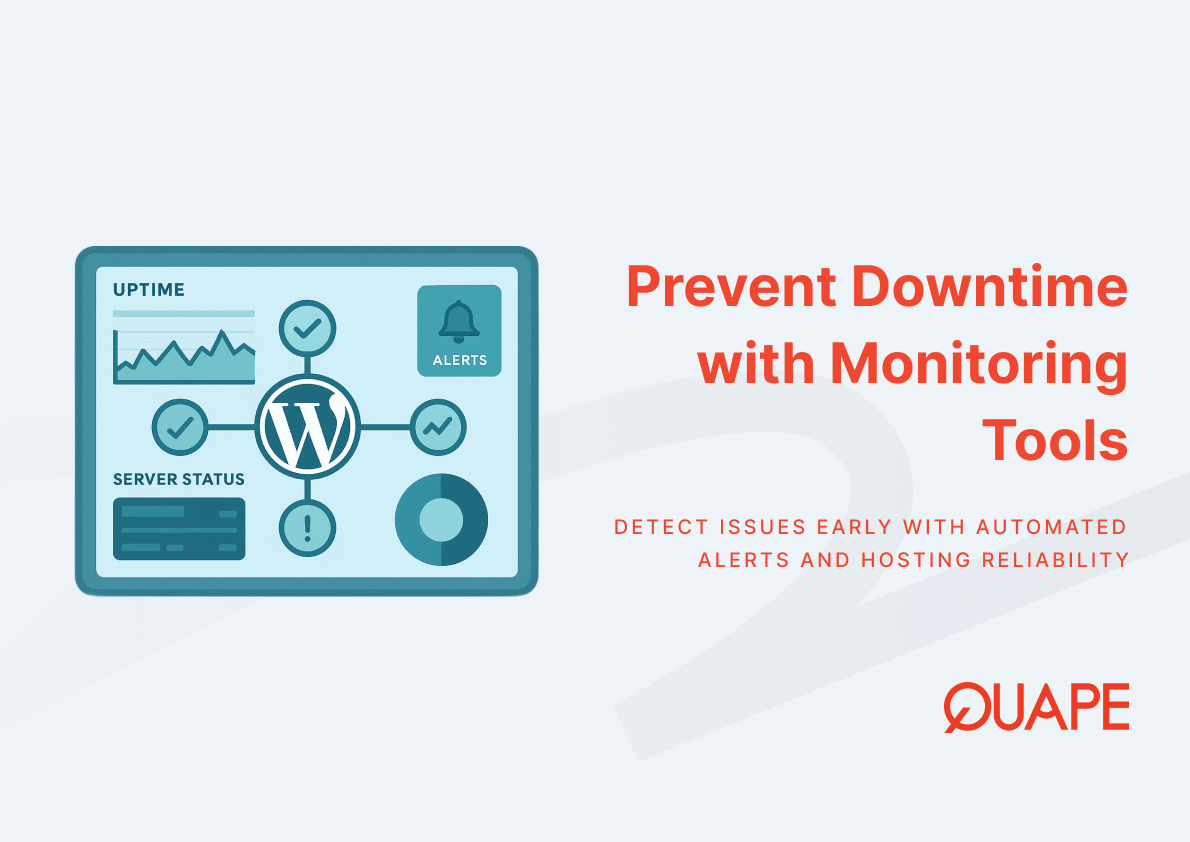
Monitoring tools function as early warning systems that track multiple indicators of site health simultaneously. Basic uptime monitors ping a website at regular intervals to verify it responds, but comprehensive monitoring examines response times, SSL certificate validity, database query performance, and server resource consumption. When any metric crosses predefined thresholds, the monitoring system sends alerts via email, SMS, or integration with incident management platforms.
The effectiveness of monitoring depends on proper threshold configuration and response protocols. Setting alert thresholds too sensitive generates false positives that teams eventually ignore, while thresholds set too high may allow performance degradation to affect users before triggering notifications. Organizations with mature monitoring practices typically calibrate thresholds based on historical performance data and adjust them as traffic patterns evolve. Monitoring systems that integrate with cPanel and server management interfaces enable administrators to correlate alerts with specific server events or configuration changes, speeding root cause analysis.
Security-driven downtime now represents the majority of unplanned outages, with 84% of organizations citing attacks such as ransomware and phishing as primary causes. This means effective monitoring must extend beyond availability checks to include intrusion detection, unusual traffic pattern recognition, and vulnerability scanning. When monitoring tools detect suspicious activity patterns, they can trigger automated responses such as temporarily blocking IP ranges or isolating affected components before a security incident escalates into full service disruption.
Ensuring Reliability with High-Performance Hosting
Reliability in WordPress hosting emerges from architectural decisions that eliminate single points of failure and provide sufficient resource headroom for traffic spikes. High-performance hosting environments use NVMe storage with high IOPS ratings to ensure database queries execute quickly even under concurrent load. Storage performance directly affects WordPress operations because the platform frequently reads from and writes to its database for content retrieval, user sessions, and plugin operations.
Network redundancy represents another critical reliability factor. Hosting providers that maintain connections with three or more upstream internet providers can route traffic through alternative paths if one connection experiences issues or degradation. This redundancy explains why some Singapore-based WordPress sites maintain accessibility during regional network problems while others experience intermittent outages. The relationship between hosting infrastructure and WordPress hosting features designed for business requirements becomes apparent when evaluating provider capabilities against actual uptime records.
Server resources must match anticipated workload with buffer capacity for unexpected traffic surges. A WordPress site running on a hosting plan with barely adequate CPU and memory allocation may perform acceptably under normal conditions but experience slowdowns or crashes when traffic increases. Proper resource allocation improves reliability because the hosting environment can maintain consistent response times without triggering resource exhaustion errors. This is why optimizing WordPress speed through appropriate hosting selection requires understanding both current and projected resource requirements.
Automation Strategies to Minimize Downtime
Automation reduces downtime by executing predefined responses to common failure scenarios without waiting for human intervention. Automated backup systems create point-in-time copies of WordPress files and databases on schedules that match update frequency and content change rates. When a plugin update causes conflicts or a security incident compromises site integrity, automated backups enable rapid restoration to a known-good state, minimizing the duration of service disruption.
The relationship between automation and downtime prevention extends beyond backups to include update management, security patching, and failover procedures. WordPress sites with automated update systems can apply security patches for the core platform and critical plugins within hours of release, closing vulnerability windows that attackers might exploit. However, automation must balance speed with stability: applying updates without testing can introduce compatibility issues that cause outages. Mature automation strategies include staging environments where updates deploy first for validation before promotion to production systems.
Automated monitoring responses represent the most immediate form of downtime prevention. When monitoring tools detect service degradation, automated scripts can attempt corrective actions such as restarting web services, clearing caches, or scaling resources before human administrators receive alerts. For organizations following backup strategies appropriate for their hosting environment, automation ensures recovery procedures execute consistently regardless of which team member responds to an incident. This consistency becomes critical during off-hours incidents when response delays would otherwise extend downtime duration.
Security automation now plays a central role in downtime prevention given that security attacks drive most unplanned outages. Automated security systems continuously scan for malware, monitor file integrity, and detect unauthorized access attempts. When these systems identify threats, they can automatically isolate affected components, block suspicious traffic sources, and notify administrators with detailed forensic information. Organizations implementing comprehensive WordPress hosting security practices typically combine multiple automation layers to address different threat vectors while maintaining service availability.
新加坡企业的实际应用
Singapore-based businesses operating WordPress sites benefit from local data center hosting that reduces network latency and simplifies compliance with regional data residency requirements. When hosting infrastructure resides geographically close to the primary user base, monitoring tools detect and respond to issues faster because network round-trip times between monitoring systems and hosted sites remain minimal. This proximity advantage becomes significant during incidents where seconds of delay compound into minutes of downtime.
The reliability requirements for Singapore businesses often exceed global averages due to the city-state’s role as a regional business hub and its highly competitive digital economy. Organizations targeting 99.999% uptime cannot tolerate extended outages regardless of cause, making proactive monitoring and redundant infrastructure essential rather than optional. Singapore data centers that support WordPress hosting typically provide multiple upstream network providers and redundant power systems specifically to meet these elevated reliability expectations.
Regional connectivity patterns also influence downtime prevention strategies. WordPress sites hosted in Singapore but serving audiences across Asia-Pacific regions perform better when hosting providers maintain low-latency connections to major internet exchanges in the region. This network positioning ensures that even during localized disruptions, alternative routing paths maintain site accessibility for users in different geographic areas. Understanding how local hosting infrastructure supports WordPress performance across Asia helps businesses evaluate whether their current hosting arrangements adequately address regional reliability requirements.
How QUAPE WordPress Hosting Supports Downtime Prevention
QUAPE WordPress hosting integrates monitoring, reliability, and automation features designed to minimize downtime for business-critical sites. The hosting infrastructure includes high IOPS NVMe storage that maintains consistent database performance even during traffic spikes, reducing the risk of resource-related slowdowns. Daily automated backups with one-click restoration enable rapid recovery from content issues or security incidents without requiring complex manual procedures.
The hosting environment incorporates WordPress-specific monitoring through WP Toolkit integration, which tracks plugin compatibility, identifies available security updates, and detects configuration issues that might cause performance degradation. This specialized monitoring complements general uptime checks by identifying WordPress-specific problems before they escalate into service disruptions. Monthly security updates included in managed plans ensure that known vulnerabilities receive patches promptly, addressing the security-driven downtime risk that now affects the majority of organizations.
Network reliability stems from multiple upstream provider connections that maintain site accessibility even during regional connectivity issues. This redundancy, combined with hosting infrastructure located in TIA 942 certified Singapore data centers, provides the foundation for consistent uptime that monitoring and automation systems protect. For businesses requiring higher availability guarantees, QUAPE’s managed WordPress hosting plans offer scalable resources and professional developer support that can address complex hosting requirements and high-availability configurations.
结论与后续步骤
Preventing WordPress downtime requires coordinated implementation of monitoring systems, reliable hosting infrastructure, and automation strategies that work together to detect, respond to, and recover from incidents before they significantly impact users. Organizations that invest in comprehensive observability capabilities experience substantially lower outage costs, while those combining monitoring with security-focused automation address the security attacks that now drive most unplanned downtime. For Singapore businesses operating in competitive digital markets, these capabilities represent essential operational requirements rather than optional enhancements.
Evaluating your current downtime prevention measures against industry benchmarks reveals gaps where improved monitoring, hosting infrastructure upgrades, or automation could reduce risk. 联系我们的销售团队 to discuss how managed WordPress hosting with integrated monitoring and automated maintenance can strengthen your site’s reliability.
常见问题 (FAQ)
What uptime percentage should WordPress sites target?
Most business WordPress sites should aim for at least 99.9% uptime, which allows approximately 8.76 hours of downtime annually. Organizations with mission-critical applications increasingly target 99.99% or even 99.999% uptime, requiring robust monitoring and hosting infrastructure that can detect and resolve issues within minutes.
How do monitoring tools detect WordPress-specific problems?
WordPress-specific monitoring examines database query performance, plugin compatibility, theme rendering times, and PHP execution metrics beyond basic availability checks. These specialized checks identify issues such as inefficient database queries or conflicting plugin updates that might slow or crash a WordPress site before general uptime monitors detect complete unavailability.
Can automated systems prevent all types of downtime?
Automation significantly reduces downtime duration and frequency but cannot prevent all outages, particularly those caused by external factors such as upstream network failures or DDoS attacks exceeding mitigation capacity. The goal is minimizing both occurrence probability and recovery time when incidents do occur.
What monitoring frequency is appropriate for business WordPress sites?
Business sites typically benefit from monitoring checks every 1-5 minutes depending on criticality. More frequent monitoring detects issues faster but generates more data and potential false positives, while less frequent checks may allow brief outages to go undetected. Balance monitoring frequency against response capability and actual business impact of short disruptions.
How does hosting location affect downtime prevention?
Hosting location influences both monitoring response times and user experience during incidents. Sites hosted near their primary user base experience lower latency for monitoring checks and faster recovery from localized network issues. Geographic proximity between hosting infrastructure and monitoring systems also improves incident detection speed.
What backup frequency supports effective downtime prevention?
Backup frequency should match content update patterns and acceptable data loss tolerance. Sites with frequent content changes benefit from multiple daily backups, while relatively static sites may need only daily backups. The key is ensuring backups capture recent work without consuming excessive storage or impacting site performance during backup operations.
Should monitoring systems send alerts for every detected issue?
Alert configurations should distinguish between critical issues requiring immediate response and informational events that teams can address during normal business hours. Over-alerting leads to alert fatigue where teams ignore notifications, while under-alerting may allow problems to escalate. Effective alert strategies use severity levels and escalation rules that match organizational response capacity.
How do security attacks cause WordPress downtime?
Security attacks cause downtime through multiple mechanisms including resource exhaustion from DDoS attacks, site defacement requiring restoration from backups, malware that corrupts files or databases, and ransomware that encrypts critical data. Prevention requires monitoring that detects attack indicators early and automated responses that isolate threats before they cause widespread disruption.