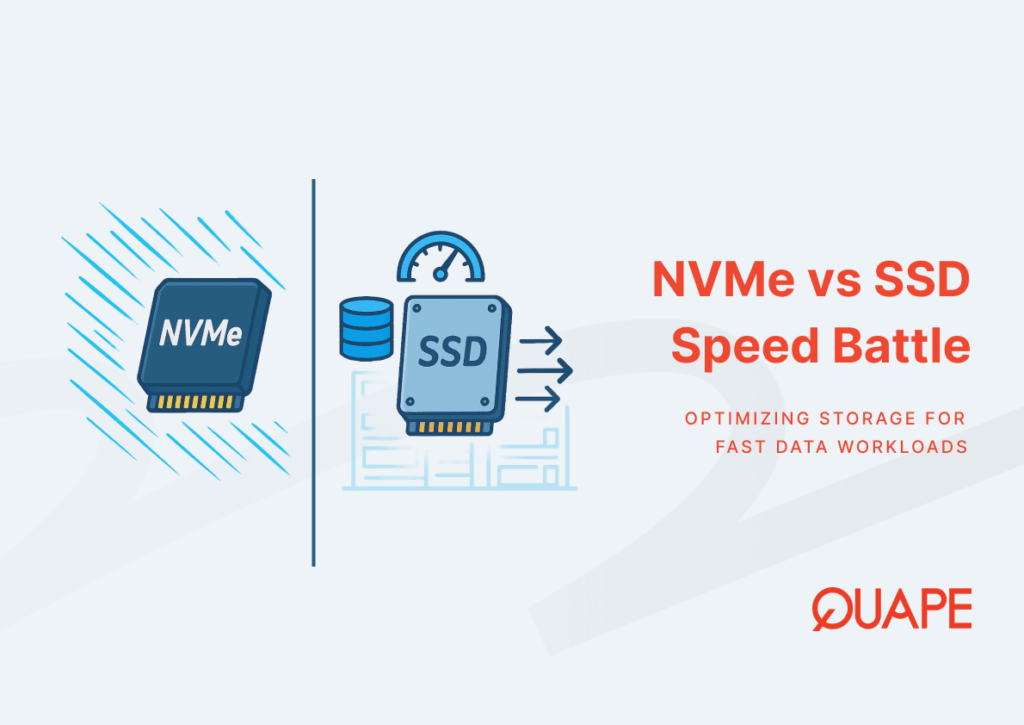
NVMe and SSD are not competing categories: NVMe SSDs are solid-state drives that use the NVMe protocol, commonly over PCIe. The useful comparison for server procurement is usually NVMe SSD versus SATA SSD, with hard disks considered separately for capacity-oriented workloads.
Choose storage around measured application demand rather than a headline speed multiplier. A faster drive may help an I/O-bound database, but it will not automatically fix inefficient queries, insufficient memory or a network bottleneck.
Measure the workload before changing hardware
- Latency: check how long reads and writes take under normal and peak traffic, not only an idle test.
- I/O pattern: distinguish small random database operations from large sequential transfers.
- Queueing: examine whether requests wait for storage during the periods users report slowness.
- Memory: check database caching and swapping before attributing every delay to disks.
- Application behaviour: inspect slow queries, locks and background jobs alongside system metrics.
Keep a repeatable baseline for checkout, ERP reports or the transaction your business actually cares about. Test with representative data, and avoid destructive storage benchmarks on a production volume.
Compare the complete storage configuration
Interface speed is only one part of the specification. Ask about the exact drive model, usable capacity, endurance, power-loss protection, controller or software RAID arrangement and replacement process. Features vary by model; a form factor or an enterprise label alone is not enough evidence.
For a write-heavy database, compare measured daily writes with the manufacturer’s endurance specification and allow for growth and storage-layer overhead. Do not assume that every consumer drive fails early or that every enterprise model has the same protection features.
Understand redundancy and recovery
RAID 1 writes a copy to each mirror member. That does not mean each drive’s rated endurance is automatically halved. Parity layouts have different write and rebuild behaviour, so the right choice depends on the workload and implementation.
RAID is not a backup. Maintain separately recoverable copies and test restoring the database together with the files and configuration needed by the application. Include failure recovery in your evaluation, not just normal-operation throughput.
Consider contention beyond the drive
On virtualised infrastructure, storage can be shared by multiple workloads. NVMe alone does not eliminate noisy neighbours: resource allocation and operational controls still matter. On a dedicated server, CPU, memory, PCIe connectivity, thermal limits and network links can also restrict useful performance.
If most data fits in memory and storage latency is already low, a database or application change may offer more value than a storage upgrade. Conversely, sustained I/O pressure is a reason to test a better-sized storage configuration.
Request a workload-based dedicated server proposal
For QUAPE dedicated server hosting, provide database size, peak activity, growth and current measurements. Our ERP hosting sizing checklist can help organise that brief. Agree an acceptance test and backup scope before migration, so the proposed hardware is judged against a business requirement rather than a synthetic headline.