Choosing the right WooCommerce hosting provider in Singapore directly influences checkout conversion rates, operational stability, and cost efficiency for online stores. With WordPress powering 43.2% of all websites and approximately 4.5 million active WooCommerce stores operating globally, the quality of hosting infrastructure becomes a determining factor in how effectively local merchants compete in Singapore’s expanding digital economy. Singapore’s data center market, valued at approximately USD 4.33 billion in 2025 according to Mordor Intelligence, continues attracting investment driven by regional cloud and AI demand, creating more specialized hosting options for WooCommerce businesses. For Singapore-based stores where latency reduction of even 100 milliseconds can measurably improve conversion rates, selecting hosting that aligns server infrastructure with customer geography and checkout performance requirements becomes essential.
What WooCommerce Hosting Means for Singapore Businesses
WooCommerce hosting refers to web server infrastructure specifically configured to support WordPress sites running the WooCommerce plugin, optimized for database performance, PHP execution speed, and security protocols that protect payment processing. Unlike generic shared hosting, WooCommerce hosting environments provision higher CPU allocation for product catalog queries, faster storage systems for image-heavy pages, and security configurations that address the expanded attack surface created by WooCommerce’s plugin ecosystem. The distinction matters because understanding fast WordPress hosting fundamentals reveals how server location, caching architecture, and managed update workflows directly affect store availability and checkout success rates.
For Singapore merchants targeting local and regional customers, WooCommerce hosting operates as the technical foundation that determines whether page load times meet customer expectations, whether checkout flows complete without timeout errors, and whether inventory management integrations function reliably under traffic spikes during promotional periods.
Key Takeaways
- Local Singapore data center hosting reduces latency for regional customers, which correlates with higher conversion rates during checkout flows where milliseconds matter.
- NVMe storage combined with properly tuned PHP and MySQL configurations enables faster product catalog queries and reduces time-to-interactive metrics that affect Core Web Vitals.
- Managed hosting plans that include automated plugin updates and daily backups reduce the security risk inherent in WooCommerce’s extensive plugin ecosystem.
- Pricing structures for WooCommerce hosting vary significantly based on storage allocation, number of sites, and whether managed services include content updates or only security patches.
- Singapore-based providers offer timezone-aligned support and local billing, which simplifies procurement and regulatory compliance for SMEs operating primarily in the Asia-Pacific region.
- Performance research consistently shows that page load delays of 100 milliseconds can reduce conversions by measurable percentages, making hosting optimization a revenue-impacting decision.
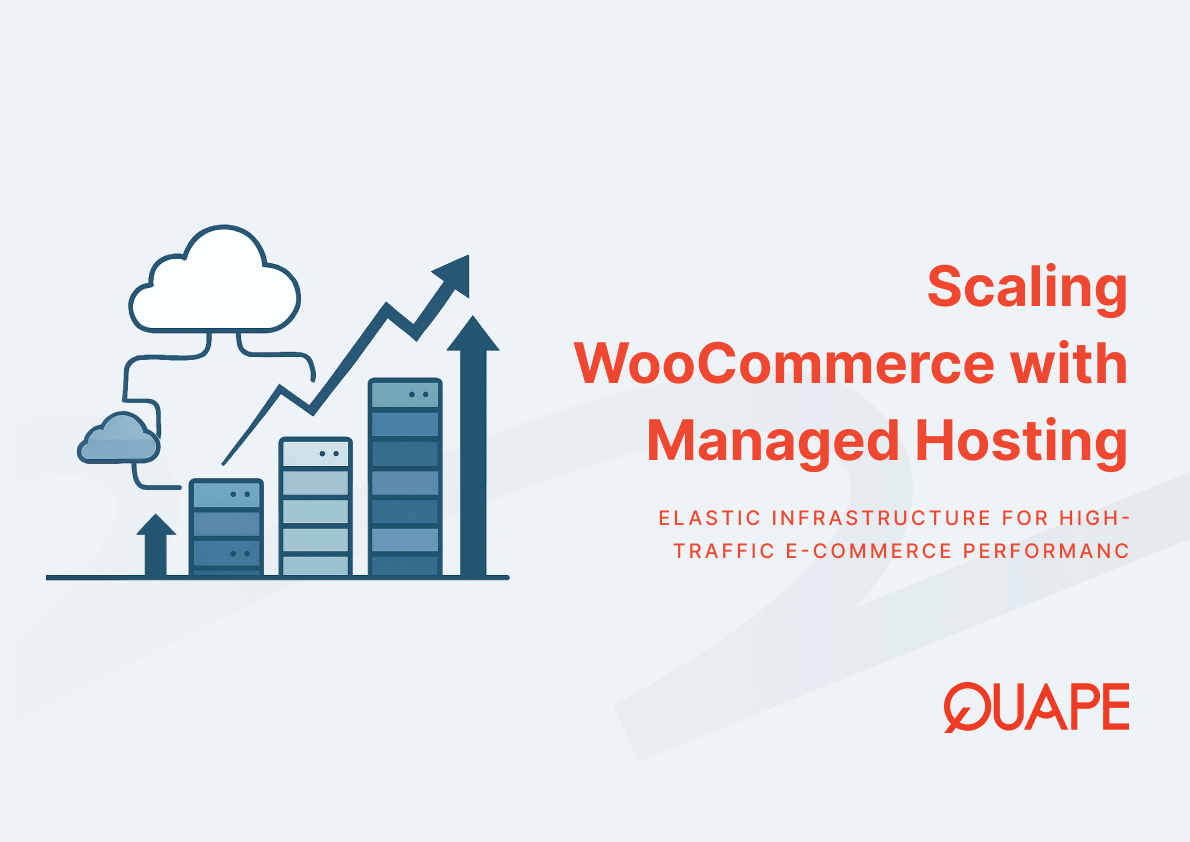
- Scalability options determine whether a store can migrate from shared hosting to VPS or dedicated infrastructure as traffic grows without changing providers or replatforming.
Key Components of Evaluating WooCommerce Hosting Providers
Server Infrastructure and Local Data Center Importance
Server infrastructure quality and geographic location determine the baseline performance characteristics available to any WooCommerce store, regardless of how well site code is optimized. Singapore’s position as a regional data center hub, documented by Reuters reporting on Asia leading global data center M&A in 2024, creates competitive hosting options where multiple providers operate Tier III or TIA-942 certified facilities with redundant power, cooling, and network connectivity.
Physical proximity between server and customer reduces network round-trip time, which directly improves Largest Contentful Paint and Time-to-Interactive metrics that Google uses in Core Web Vitals scoring. For WooCommerce stores where most transactions originate from Singapore or Southeast Asia, hosting in Singapore data centers reduces latency by eliminating intercontinental routing hops, typically cutting initial server response time from 200+ milliseconds to under 50 milliseconds for local visitors. This latency reduction becomes critical during checkout flows where customers expect instant feedback after clicking “place order” and where delays trigger abandonment behavior.
Uptime reliability connects to infrastructure redundancy in ways that affect operational continuity. Providers operating within TIA-942 certified facilities benefit from N+1 or 2N redundancy in power distribution and cooling, which reduces the probability of hardware failures causing store downtime. Network uptime depends on upstream carrier diversity, where providers with three or more transit providers and peering relationships at regional internet exchanges maintain connectivity even when individual carrier paths fail.
Performance Factors: NVMe, CDN, PHP, MySQL, and Caching Technologies
WooCommerce store performance depends on how efficiently the hosting stack executes PHP code, retrieves data from MySQL databases, serves static assets, and caches assembled pages. NVMe storage replaces traditional SATA SSDs with PCIe-attached drives that deliver substantially higher input/output operations per second, reducing the time MySQL requires to execute complex product queries that join multiple tables. For stores with catalogs exceeding 1,000 SKUs or custom product attributes that require dynamic filtering, PHP and MySQL optimization directly affects how quickly category pages load and respond to search queries.
PHP version selection impacts execution speed because each major version introduces performance improvements and deprecates inefficient functions. PHP 8.1 and 8.2 execute WooCommerce operations 30-50% faster than PHP 7.4 through just-in-time compilation and improved memory handling, but compatibility with older plugins sometimes delays upgrades. Hosting providers that allow per-site PHP version selection enable merchants to test compatibility in staging environments before applying updates to production stores.
MySQL performance tuning involves buffer pool sizing, query cache configuration, and index optimization that most merchants cannot implement on shared hosting where database parameters are fixed. Managed hosting tiers that include database tuning adjust these parameters based on actual query patterns observed in WooCommerce stores, reducing slow query occurrences that cause timeout errors during checkout.
Edge caching through content delivery networks distributes static assets like product images and CSS files to points of presence closer to customers, reducing load on the origin server and improving global performance even when the server itself is located in Singapore. For stores targeting both Singapore and regional markets across Southeast Asia, CDN integration with POPs in Singapore, Hong Kong, Tokyo, and Sydney ensures that static content loads quickly across time zones. Implementation strategies for improving WordPress speed through hosting configuration demonstrate how caching layers interact with server resources to handle traffic spikes without degrading response times.
Pricing Structures and Scalability Options for WooCommerce Stores
Hosting pricing for WooCommerce stores typically reflects the resources allocated per site, the level of management included, and the infrastructure tier provisioned. Entry-level managed plans in Singapore commonly start around SGD 300 annually for single sites with 15GB NVMe storage and monthly security updates, while professional tiers supporting multiple sites with larger storage allocations range from SGD 600 to SGD 1,200 annually. These subscription structures align resource costs with business scale, where merchants operating a single store with moderate traffic pay materially less than those running multiple branded storefronts or marketplace-style catalogs.
Scalability options determine whether a merchant can increase allocated resources without migrating to a different provider when traffic patterns change. Hosting architectures that support vertical scaling allow merchants to add CPU cores, RAM, and storage within the same server environment by upgrading plan tiers, maintaining consistent IP addresses and avoiding DNS propagation delays. Horizontal scalability, where traffic load distributes across multiple application servers behind a load balancer, typically requires VPS or dedicated infrastructure that supports this architecture.
Resource allocation transparency affects how predictable costs remain as stores grow. Shared hosting plans with “unlimited” bandwidth often impose soft limits through CPU throttling or process killing when individual sites exceed resource thresholds, creating unpredictable performance during sales events. WordPress hosting cost structures that explicitly define CPU time, RAM allocation, and concurrent connection limits enable merchants to forecast when they will need to upgrade tiers based on analytics data showing traffic growth patterns.
Overage charges and upgrade urgency create financial risk during promotional periods when traffic spikes unexpectedly. Hosting providers that offer burst capacity, temporarily exceeding plan limits without immediate throttling, reduce the probability that a successful marketing campaign triggers site unavailability. Merchants should evaluate whether pricing includes provisions for temporary traffic increases or whether unexpected success immediately forces emergency upgrades at premium rates.
Security Essentials for WooCommerce Hosting
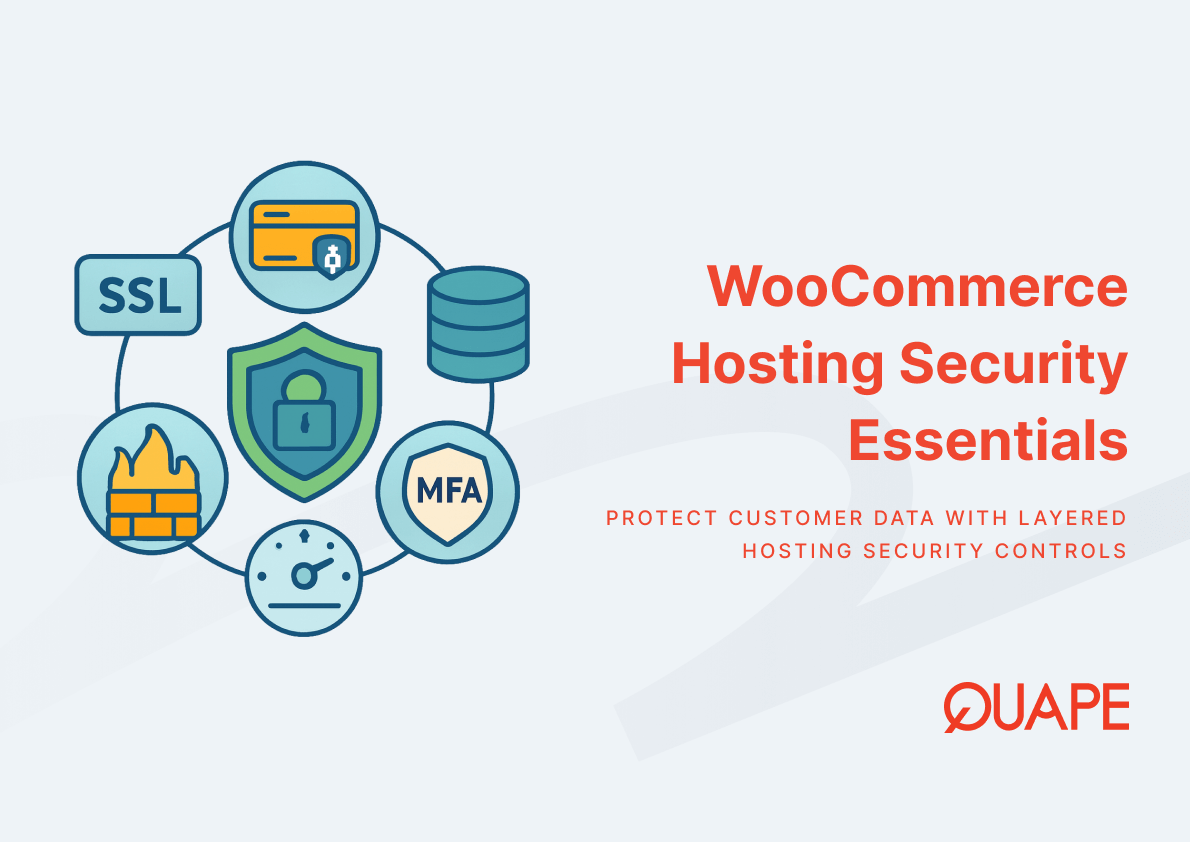
WooCommerce security requirements extend beyond generic WordPress hardening because payment processing and customer data storage introduce regulatory compliance obligations and higher financial risk from successful attacks. The extensive plugin ecosystem that enables WooCommerce’s flexibility simultaneously creates attack surface where outdated extensions become entry points for credential harvesting, credit card skimming scripts, or database exfiltration. WooCommerce hosting security measures must address both WordPress core vulnerabilities and the additional risks introduced by payment gateway plugins, inventory management extensions, and marketing automation tools.
SSL certificate provisioning and renewal automation ensures that all customer interactions, especially checkout flows and account logins, encrypt data in transit to prevent interception. Modern hosting platforms integrate Let’s Encrypt or commercial SSL providers to automatically issue and renew certificates before expiration, eliminating the operational burden of manual certificate management. SSL implementation for WordPress hosting requires proper HTTP-to-HTTPS redirection rules and mixed content resolution to prevent browser warnings that reduce customer trust during checkout.
Firewall configurations at both network and application layers filter malicious traffic before it reaches WordPress. Web application firewalls specifically inspect HTTP requests for SQL injection attempts, cross-site scripting payloads, and patterns matching known exploit techniques. For WooCommerce stores, WAF rules tuned to recognize legitimate payment gateway callbacks prevent false positives that could block successful transactions while still filtering automated attack traffic.
Malware protection through file integrity monitoring detects unauthorized modifications to core WordPress files, plugin code, or theme templates that attackers inject after compromising FTP credentials or exploiting plugin vulnerabilities. Hosting providers that implement automated scanning compare installed files against known-good checksums and alert merchants when discrepancies indicate potential compromise, enabling rapid response before customers encounter malicious redirects or data theft.
Backup strategies protect against both security incidents and operational errors that corrupt databases or delete content. Daily automated backups with point-in-time recovery enable merchants to restore stores to pre-attack or pre-error states within minutes, minimizing revenue loss from downtime. Backup retention policies balancing storage costs against recovery flexibility typically maintain daily snapshots for 7-30 days, with weekly or monthly archives extending further back for compliance or auditing purposes.
Managed vs Budget Hosting for WooCommerce Businesses
The distinction between managed and budget hosting determines who assumes responsibility for security updates, performance optimization, and technical troubleshooting. Budget hosting, typically priced from SGD 5 to SGD 15 monthly, provides server space and basic WordPress installation but leaves plugin updates, security patching, and performance tuning to the merchant. This model works for technically capable merchants or those operating low-risk informational sites, but introduces operational risk for WooCommerce stores where outdated plugins create payment security vulnerabilities and where performance degradation directly reduces revenue.
Managed hosting incorporates security updates, automated backups, and expert support into the subscription, effectively outsourcing technical operations to the hosting provider’s team. For WooCommerce merchants focused on inventory management, marketing, and customer service rather than server administration, managed versus budget hosting tradeoffs center on whether the monthly cost difference justifies eliminating the time burden and security risk of self-management.
Support quality separates managed providers where response time and technical depth affect problem resolution speed. During critical incidents like checkout failures during promotional periods, access to engineers who understand WooCommerce architecture and can diagnose database deadlocks or payment gateway configuration errors becomes more valuable than cost savings from budget hosting. Singapore-based providers offering timezone-aligned support resolve issues during regional business hours rather than requiring merchants to wait for offshore teams operating in incompatible time zones.
Practical Considerations for Singapore-Based WooCommerce Businesses
Local Support, Billing, and Regulatory Advantages
Operating with a Singapore-based hosting provider introduces operational advantages beyond technical performance. Local support teams aligned with Singapore Standard Time respond to urgent issues during regional business hours, eliminating the frustration of submitting tickets at 2PM and receiving responses at 3AM when offshore support teams wake up. Local WordPress hosting support in Singapore enables phone conversations during normal working hours, reducing resolution time for complex problems that benefit from real-time discussion rather than asynchronous ticket exchanges.
Billing in Singapore Dollars simplifies financial processes for local businesses by eliminating foreign exchange volatility and cross-border transaction fees that add unpredictable costs to USD or EUR-denominated hosting subscriptions. For merchants processing hundreds of transactions monthly, currency conversion uncertainty on hosting expenses creates budgeting complications that SGD-denominated invoices eliminate. Local billing also streamlines procurement processes where approval workflows expect domestic vendor invoices with GST documentation.
Data sovereignty and regulatory compliance considerations favor Singapore hosting for stores processing customer data subject to Personal Data Protection Act requirements. While PDPA does not mandate local storage, keeping customer data within Singapore-controlled infrastructure simplifies compliance documentation and reduces cross-border data transfer risks. Merchants selling to government entities or industries with strict data residency requirements find Singapore hosting eliminates questions about data jurisdiction that foreign hosting introduces.
Choosing Hosting Based on Traffic, Storage, and Checkout Speed
Traffic patterns, storage requirements, and performance expectations determine which hosting tier appropriately matches business needs without over-provisioning resources. New stores with fewer than 1,000 monthly visitors and catalogs under 100 products typically function well on entry-level managed plans offering 15-20GB storage and support for single sites. As traffic grows beyond 5,000 monthly visitors or catalogs expand past 500 SKUs with multiple product images per listing, storage and CPU requirements increase proportionally.
Selecting WordPress hosting based on traffic and storage needs requires understanding how resource consumption scales with business activity. WooCommerce stores process more complex database queries than content-focused WordPress sites because each product page assembles data from product tables, attribute tables, inventory records, and related product queries. Stores with dynamic pricing based on customer roles or bulk purchase discounts execute additional queries per page load, increasing CPU utilization and database connection duration.
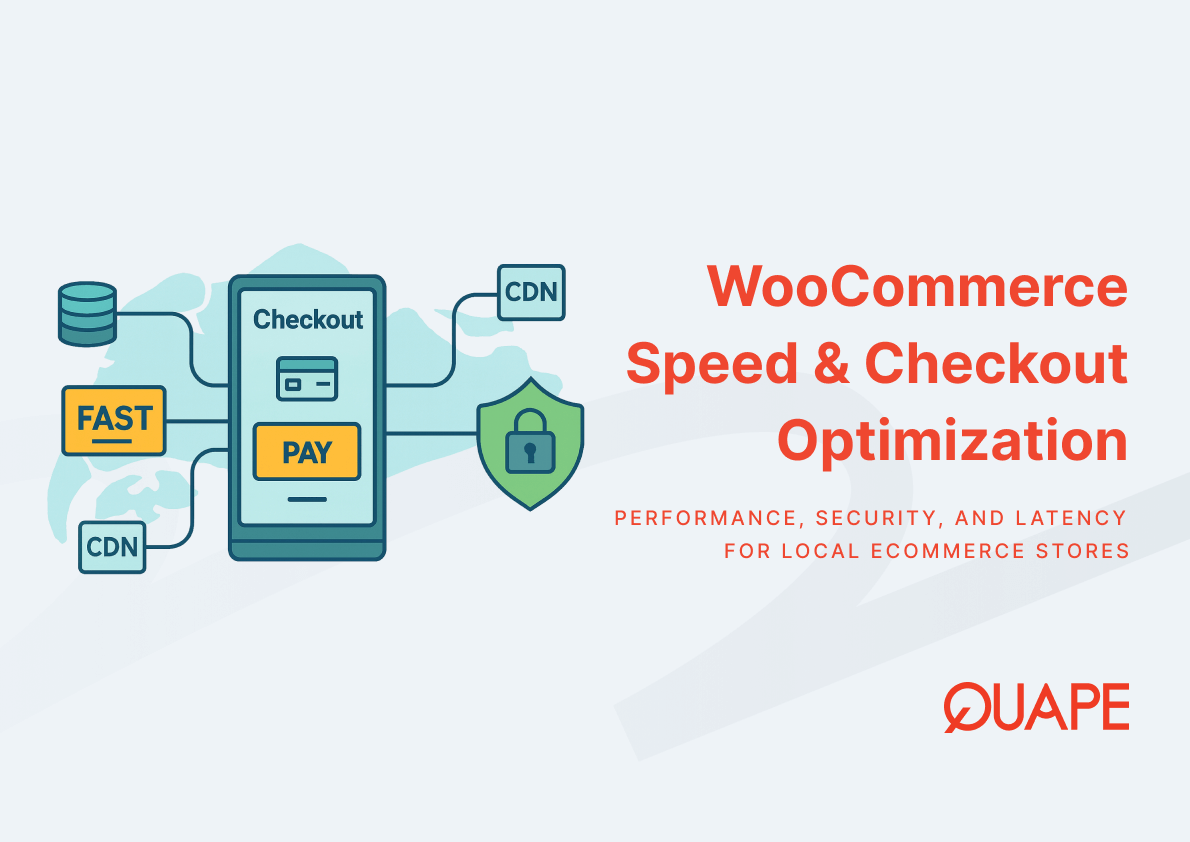
Checkout speed optimization becomes critical as traffic increases because conversion rate sensitivity to load time multiplies the revenue impact of performance improvements. Research from Akamai documenting retail performance and conversion relationships consistently shows that load time delays of 100 milliseconds measurably reduce completion rates, with effects magnifying during checkout where customer intent peaks. Optimizing WooCommerce speed through hosting selection, database tuning, and caching configuration directly affects revenue by reducing cart abandonment triggered by perceived slowness.
Storage limits affect how many product images, downloadable files, and backup snapshots the hosting account can accommodate. Stores selling digital products or offering high-resolution product photography consume storage faster than service-based businesses with minimal media libraries. Merchants should evaluate storage allocation against current usage plus 12-18 months projected growth to avoid mid-contract upgrades that disrupt operations.
Why Local Latency Matters for eCommerce Conversion Rates
Network latency, measured as the round-trip time between customer device and web server, directly affects how quickly WooCommerce stores respond to user interactions like adding products to cart or submitting payment information. For Singapore-based stores serving primarily Singapore and Southeast Asian customers, server location impacts SEO and user experience because search engines incorporate page speed signals into ranking algorithms and because customers abandon slow-loading checkouts at measurably higher rates.
Physical distance between server and customer determines minimum possible latency based on speed of light propagation through fiber optic cables. A server in Singapore responds to Singapore customers with approximately 1-10ms network latency, while a server in US West Coast data centers introduces 150-200ms latency before any server processing begins. This base latency difference compounds with DNS lookup time, SSL handshake duration, and time-to-first-byte to determine overall page load speed.
CDN integration partially mitigates server location effects by caching static assets at edge locations closer to customers, but dynamic content like product availability checks, cart calculations, and payment processing still require communication with the origin server. For checkout flows where every interaction queries the database to verify inventory, calculate tax, and process payment, origin server latency accumulates across multiple requests to create total load times that determine whether customers complete purchases or abandon carts.
Core Web Vitals metrics that Google uses in search ranking, including Largest Contentful Paint and Cumulative Layout Shift, directly correlate with server response time and resource load speed. Stores hosted on Singapore servers serving Singapore traffic typically achieve better Core Web Vitals scores than identical sites hosted on distant servers, translating to both SEO advantages and improved user experience that supports higher conversion rates.
How WordPress Hosting from Quape Supports WooCommerce Hosting Needs
Quape’s managed WordPress hosting infrastructure addresses WooCommerce-specific requirements through NVMe storage systems that accelerate database queries, TIA-942 certified Singapore data centers that reduce latency for regional customers, and managed service tiers that include security updates and daily backups. The hosting architecture provisions high IOPS drives that support the intensive read and write operations characteristic of WooCommerce product catalogs, inventory management, and checkout processing.
WordPress Toolkit integration enables plugin management without logging into individual site dashboards, streamlining the update workflow that protects stores from plugin vulnerabilities while reducing administrative overhead. Automated daily backups with one-click restore provide recovery options when updates introduce compatibility issues or when operational errors require rollback to previous site states. Monthly security updates included in managed plans ensure that WordPress core and critical plugins receive patches shortly after release, reducing exposure windows when known vulnerabilities remain unpatched.
Professional tier plans supporting multiple sites accommodate merchants operating separate storefronts for different brands or geographic markets, consolidating management under unified billing while maintaining site isolation. Enterprise tiers that include monthly content updates extend managed services beyond security to encompass operational tasks like product description updates, image optimization, or promotional banner changes, effectively providing ongoing support for stores lacking dedicated technical staff.
Network infrastructure with multiple upstream providers maintains connectivity during carrier outages and provides diverse routing paths that improve global accessibility. For WooCommerce stores attracting customers from multiple countries across Southeast Asia, carrier diversity ensures that network issues affecting one provider’s infrastructure do not render the store unreachable for segments of the customer base.
Conclusion
Selecting WooCommerce hosting in Singapore requires evaluating how server infrastructure, security protocols, and managed services align with business requirements for performance, reliability, and operational simplicity. The relationship between local data center hosting and customer latency directly influences conversion rates in ways that make hosting selection a revenue-impacting decision rather than purely a technical consideration. Merchants benefit from hosting providers that combine Singapore-based infrastructure with managed security updates, NVMe storage optimized for database performance, and support teams operating in compatible time zones.
For businesses ready to optimize their WooCommerce hosting infrastructure or migrate to managed hosting that reduces security risk while improving checkout performance, contact our sales team to discuss configuration options tailored to your store’s traffic patterns, catalog size, and growth projections.
Frequently Asked Questions
Why does server location in Singapore matter specifically for WooCommerce stores?
Server location determines network latency between customers and your store, which directly affects page load speed and checkout completion rates. Singapore-based hosting reduces round-trip time to under 50 milliseconds for local customers compared to 150-200ms for overseas servers, and research consistently shows that these latency differences measurably impact conversion rates during checkout flows where milliseconds of delay reduce completion probability.
What storage capacity do most WooCommerce stores actually need?
Storage requirements scale with product catalog size and image quality, where stores with 100-500 products using optimized images typically consume 10-25GB including backups and logs. Stores offering downloadable products, high-resolution photography, or maintaining extensive backup archives require 50-100GB or more, making it important to match storage allocation to current usage plus 12-18 months projected growth to avoid disruptive mid-contract upgrades.
How do managed WordPress hosting plans protect WooCommerce stores differently than budget hosting?
Managed plans include automated security updates that patch WordPress core and plugins shortly after vulnerabilities are disclosed, reducing the exposure window when stores remain vulnerable to known exploits. Budget hosting requires merchants to manually update plugins, creating operational burden and security risk when updates are delayed, which is particularly problematic for WooCommerce stores where payment processing makes them high-value targets for attackers.
Can WooCommerce stores operate effectively on shared hosting or do they require VPS infrastructure?
Small WooCommerce stores with fewer than 5,000 monthly visitors and catalogs under 500 products typically function well on properly configured shared hosting with NVMe storage and adequate CPU allocation. As traffic grows or product catalogs expand, the intensive database queries characteristic of WooCommerce benefit from dedicated CPU and RAM resources that VPS infrastructure provides, particularly during traffic spikes from promotional campaigns.
What performance metrics should merchants track to know when hosting upgrades are necessary?
Time-to-First-Byte measuring server response speed, Largest Contentful Paint indicating when main content loads, and cart abandonment rates during checkout flows provide early warning that hosting resources no longer match traffic demands. When TTFB consistently exceeds 600 milliseconds or LCP surpasses 2.5 seconds despite optimization efforts, or when checkout abandonment increases without changes to the checkout process itself, resource constraints from current hosting likely require upgrades to higher tiers or VPS infrastructure.
How does NVMe storage specifically improve WooCommerce performance compared to SSD?
NVMe drives connect directly to the motherboard via PCIe lanes rather than through SATA controllers, delivering 5-10 times higher input/output operations per second than SATA SSDs. For WooCommerce stores executing complex product queries that join multiple database tables, this translates to faster category page loads, quicker search results, and more responsive checkout processes, particularly noticeable for catalogs exceeding 1,000 products with custom attributes.
What backup frequency and retention period protect WooCommerce stores adequately?
Daily automated backups with 7-14 day retention provide sufficient protection for most WooCommerce stores by enabling restoration to recent pre-incident states when security breaches, plugin conflicts, or operational errors occur. Stores processing high transaction volumes or making frequent catalog changes benefit from multiple daily snapshots with 30-day retention, while long retention periods primarily serve compliance requirements rather than operational recovery needs since product data and transaction records older than 30 days typically exist in separate business systems.
Do Singapore WooCommerce stores need CDN integration if the server is already located locally?
CDN integration benefits Singapore stores serving regional customers across Southeast Asia by caching static assets at edge locations in neighboring countries, reducing load times for visitors from Malaysia, Indonesia, Thailand, and other nearby markets. For stores serving primarily Singapore customers, CDN provides less dramatic performance improvements but still reduces origin server load during traffic spikes and improves resilience by distributing asset delivery across multiple points of presence.

- Business Email Hosting vs G-Suite / Microsoft 365 - December 29, 2025
- Shared Hosting vs Dedicated Hosting for Email - December 29, 2025
- SMTP vs POP3 vs IMAP: Which Protocol Fits Your Business Workflow - December 28, 2025