Choosing a Hosting Provider for WooCommerce: Key Requirements
WooCommerce powers millions of online stores worldwide, but its performance depends entirely on the hosting infrastructure beneath it. With cart abandonment rates hovering near 70% across documented studies, even small delays in page load or checkout response time translate directly into lost revenue. For businesses operating in Singapore and Southeast Asia’s rapidly growing digital economy, selecting a hosting provider that delivers low latency, reliable database performance, and compliance-ready security determines whether customers complete purchases or leave. The hosting layer must support high-concurrency transaction handling, provide fast storage access for product catalogs and order data, and scale elastically during seasonal traffic surges. Understanding how server configuration, database optimization, and network proximity interact with WooCommerce’s architecture enables businesses to make informed decisions that protect revenue and customer trust.
What WooCommerce Hosting Requirements Actually Mean
WooCommerce hosting requirements describe the server resources, software configurations, and infrastructure capabilities needed to run a WordPress-based online store reliably under real-world traffic and transaction loads. Unlike static websites or content blogs, WooCommerce generates dynamic pages for every product view, manages inventory state in real time, and processes transactional database writes during checkout. This operational profile demands hosting environments optimized for OLTP workloads, where storage IOPS and database query latency directly affect user experience and conversion rates.
The term encompasses both application-layer needs, such as compatible PHP versions and memory allocation for plugin execution, and infrastructure-layer requirements like network latency to target markets and compliance with payment security standards. Research confirms that sub-second increases in page latency materially reduce e-commerce conversion rates and long-term customer returns, with effects particularly acute for mobile and fast-navigating users. Choosing appropriate hosting therefore becomes a revenue protection exercise, not simply an operational cost decision.
Key Takeaways
- Database performance governs checkout speed: High IOPS storage and optimized MySQL configurations reduce query latency for cart updates, inventory checks, and order writes.
- PHP runtime configuration affects plugin compatibility: WooCommerce requires specific PHP versions and extensions; mismatches cause payment gateway failures and feature breakage.
- Storage architecture determines transaction throughput: NVMe-backed systems deliver orders-of-magnitude higher IOPS than legacy HDD or SATA SSD, enabling faster concurrent transaction processing.
- Network proximity impacts customer experience: Hosting in local data centers reduces round-trip time for Singapore and Southeast Asian customers, lowering abandonment risk during checkout.
- Security and compliance protect payment flows: PCI DSS guidance warns against storing cardholder data on public web servers; proper segmentation and access control require hosting-level enforcement.
- Scalability handles traffic variability: VPS or elastic compute architectures allow stores to absorb seasonal spikes without performance degradation or downtime.
- Managed services reduce operational risk: Expert support, automated backups, and proactive patching improve availability for SMEs without dedicated DevOps teams.
Key Components of WooCommerce Hosting Requirements
Server Environment and PHP Configuration for WooCommerce
WooCommerce executes as a PHP application within the WordPress plugin ecosystem, which means the hosting environment must provide compatible PHP versions, required extensions, and sufficient memory allocation for plugin processing. Incompatible PHP versions break payment gateway integrations, shipping calculators, and inventory management features, causing transaction failures that customers perceive as site reliability issues. The server must support extensions like MySQLi or PDO for database connectivity, cURL for external API calls to payment processors, and sufficient PHP memory limits to handle plugin stacks that often include caching layers, SEO tools, and security modules.
Performance optimization at the PHP layer depends on OPcache configuration, which reduces script compilation overhead by caching compiled bytecode, and the choice of PHP SAPI, where PHP-FPM paired with Nginx or Apache event-driven workers improves concurrency handling under load. For stores processing hundreds of concurrent sessions, tuning PHP-FPM worker pools and timeout settings prevents resource exhaustion during traffic spikes. The hosting provider’s update policies also determine security posture, as PHP versions reach end-of-life annually and unpatched runtimes expose stores to exploits that compromise customer data.
Database Performance and Transaction Handling in WooCommerce
MySQL or MariaDB serves as the transactional engine for WooCommerce, storing product data, customer records, order history, and inventory state in relational tables that require consistent reads and atomic writes. Every product page load queries the database for pricing and stock availability, while checkout sequences execute multiple write operations within short time windows to reserve inventory, record payment status, and update order tables. Comparative research shows that for e-commerce data models requiring transactional integrity at common store scales, SQL databases frequently outperform NoSQL alternatives by maintaining ACID guarantees that prevent overselling or payment reconciliation errors.
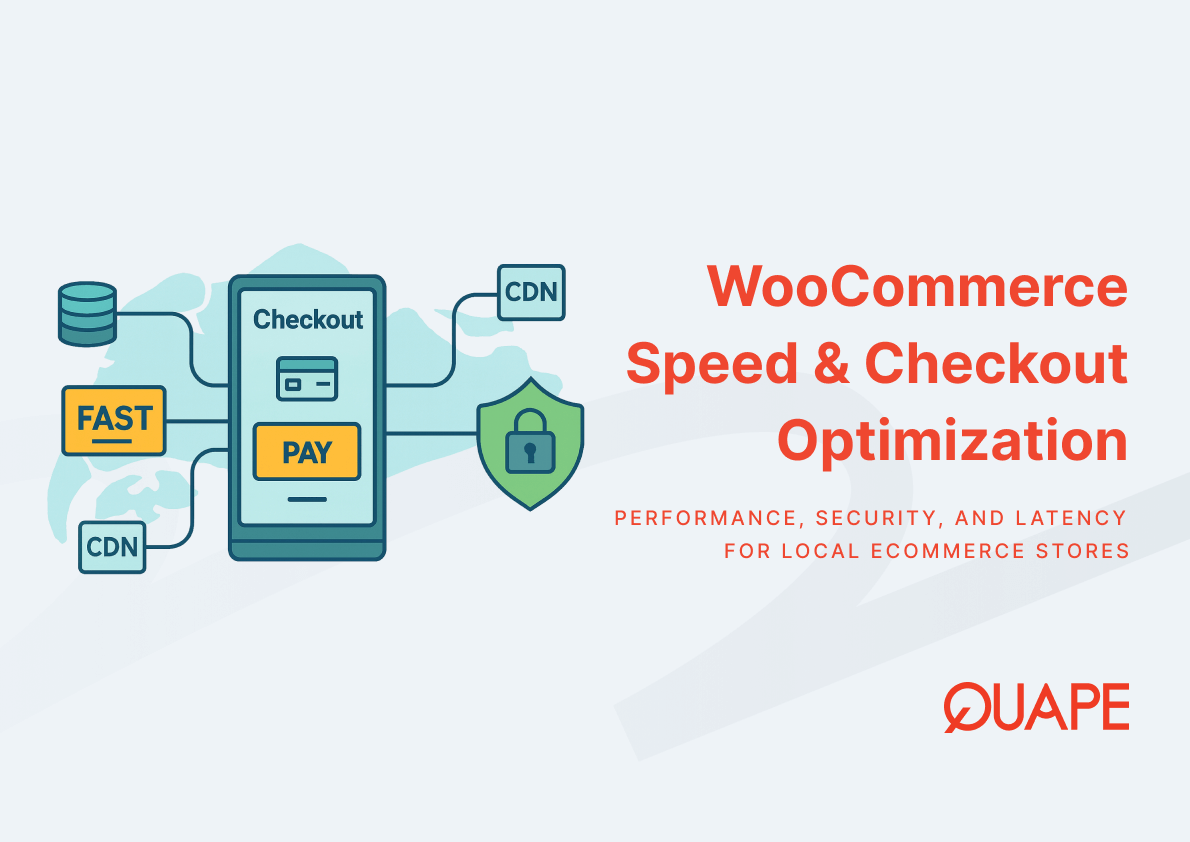
Database query latency directly affects page response times, which in turn influence conversion rates and cart abandonment. High-concurrency scenarios, such as flash sales or promotional campaigns, generate bursts of simultaneous read and write operations that stress database connection pools and storage subsystems. Hosting configurations that implement connection pooling, query caching, and optimized buffer pool sizes reduce lock contention and improve throughput. For businesses aiming to optimize WooCommerce speed, database tuning becomes as critical as application-layer caching, because uncached checkout flows and inventory updates always hit the database regardless of page cache configuration.
Storage, IOPS, and NVMe Requirements for WooCommerce Stores
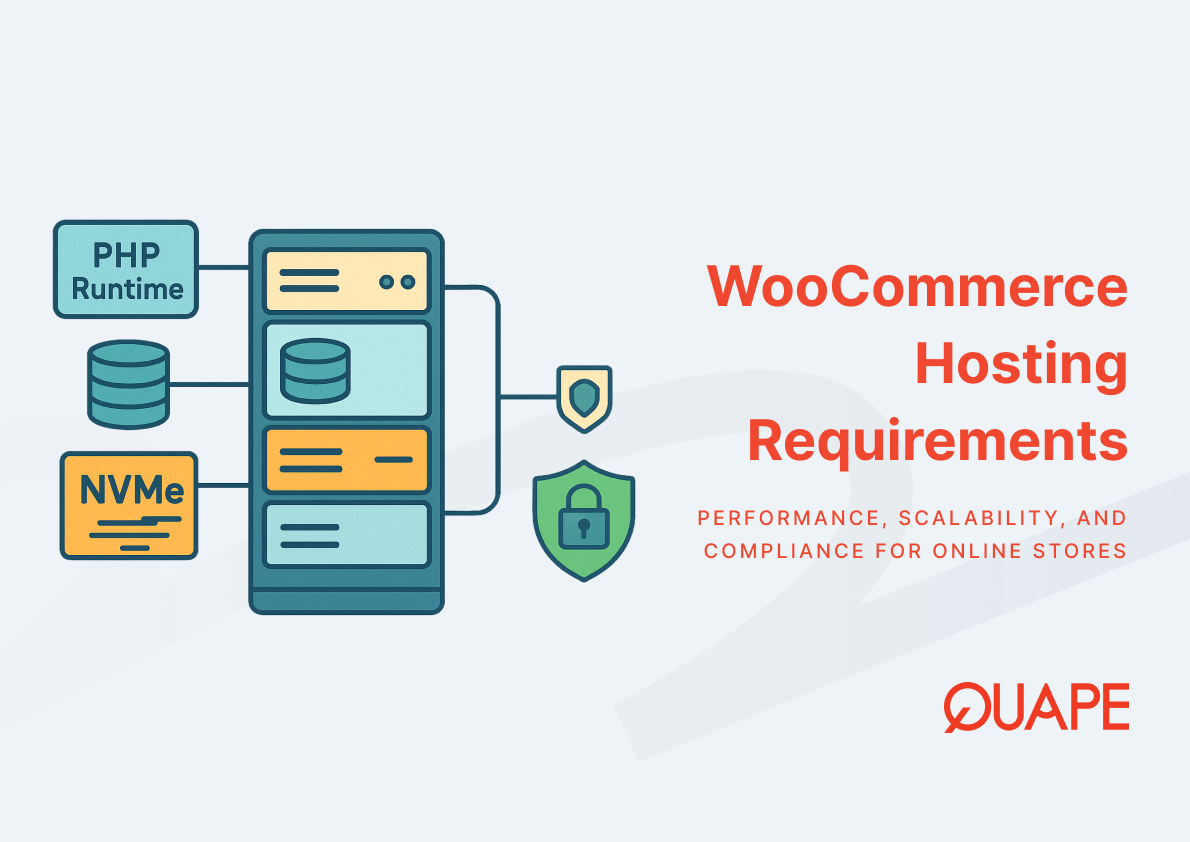
Storage performance determines how quickly the database can retrieve product information, write order records, and handle file I/O for media assets and log files. WooCommerce’s OLTP workload profile generates frequent small reads and writes across many database tables, which means storage IOPS becomes the limiting factor rather than sequential throughput. Empirical benchmarks demonstrate that NVMe-backed storage configurations yield substantially better OLTP and database performance compared to HDD or SATA SSD in virtualized server tests, with modern NVMe devices enabling millions to tens of millions of IOPS when deployed at server scale.
The difference manifests during checkout, where every cart update triggers database writes that must complete before the customer sees confirmation. Legacy storage interfaces introduce millisecond-scale latencies that accumulate across multi-step checkout flows, while NVMe arrays reduce per-operation latency to microseconds, enabling sub-second transaction completion even under concurrent load. For product catalogs with thousands of SKUs or stores managing real-time inventory synchronization across multiple sales channels, high IOPS storage prevents database query queuing that would otherwise slow page loads and increase abandonment risk. This explains why premium hosting tiers emphasize NVMe storage as a core differentiator for transactional workloads.
Hosting Scalability for WooCommerce Traffic Spikes
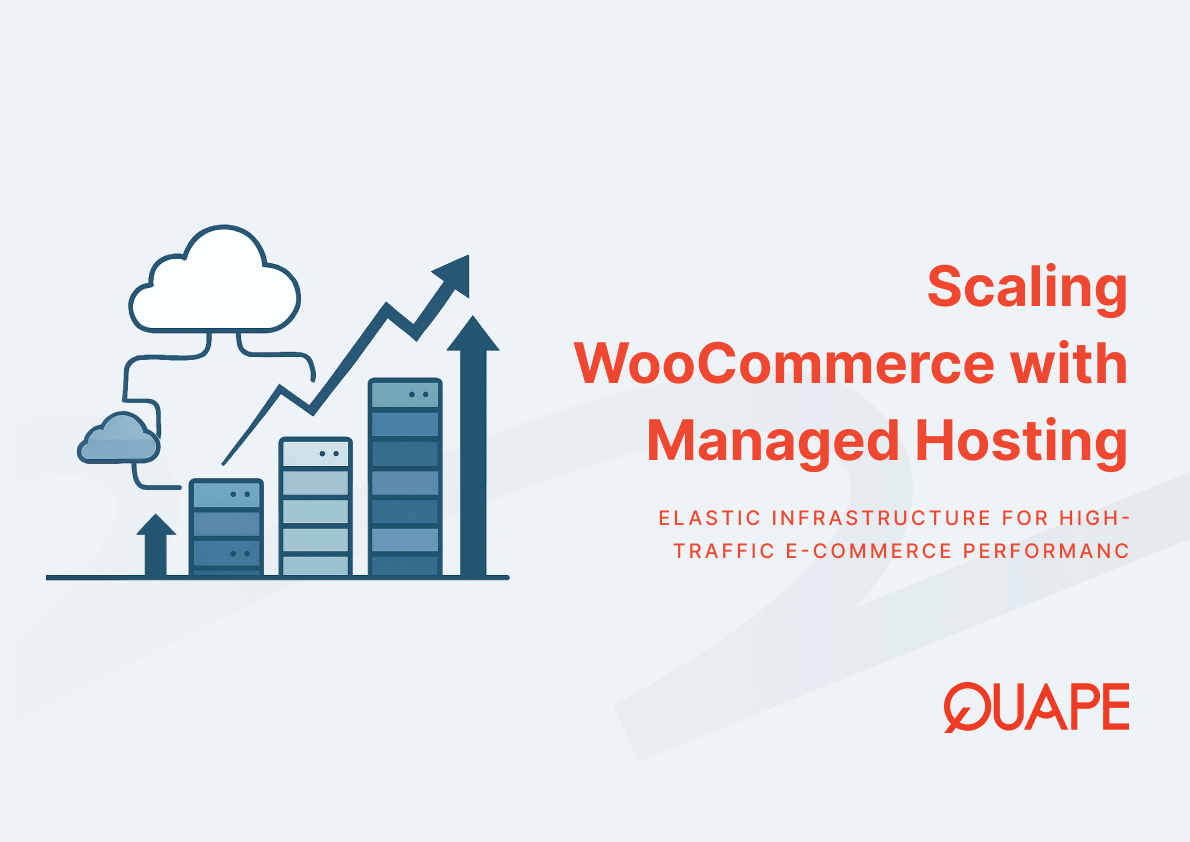
E-commerce traffic patterns show pronounced variability, with seasonal promotions, product launches, and regional shopping events driving traffic surges that can exceed baseline load by 5x to 10x within hours. Hosting architectures must absorb these spikes without performance degradation, which requires either over-provisioned static resources or elastic scaling mechanisms that add compute capacity dynamically. VPS and cloud-based architectures support vertical scaling by adding CPU cores and RAM to existing instances, or horizontal scaling by distributing traffic across multiple application servers behind load balancers.
Auto-scaling configurations monitor metrics like CPU utilization, memory pressure, and request queue depth, then provision additional resources when thresholds breach. This approach prevents the revenue loss that occurs when stores become unresponsive during high-value traffic periods. For businesses exploring scaling WooCommerce on managed hosting, understanding the trade-offs between static provisioning and elastic architectures helps align infrastructure costs with actual demand patterns while maintaining availability guarantees.
Security and Compliance for eCommerce Hosting
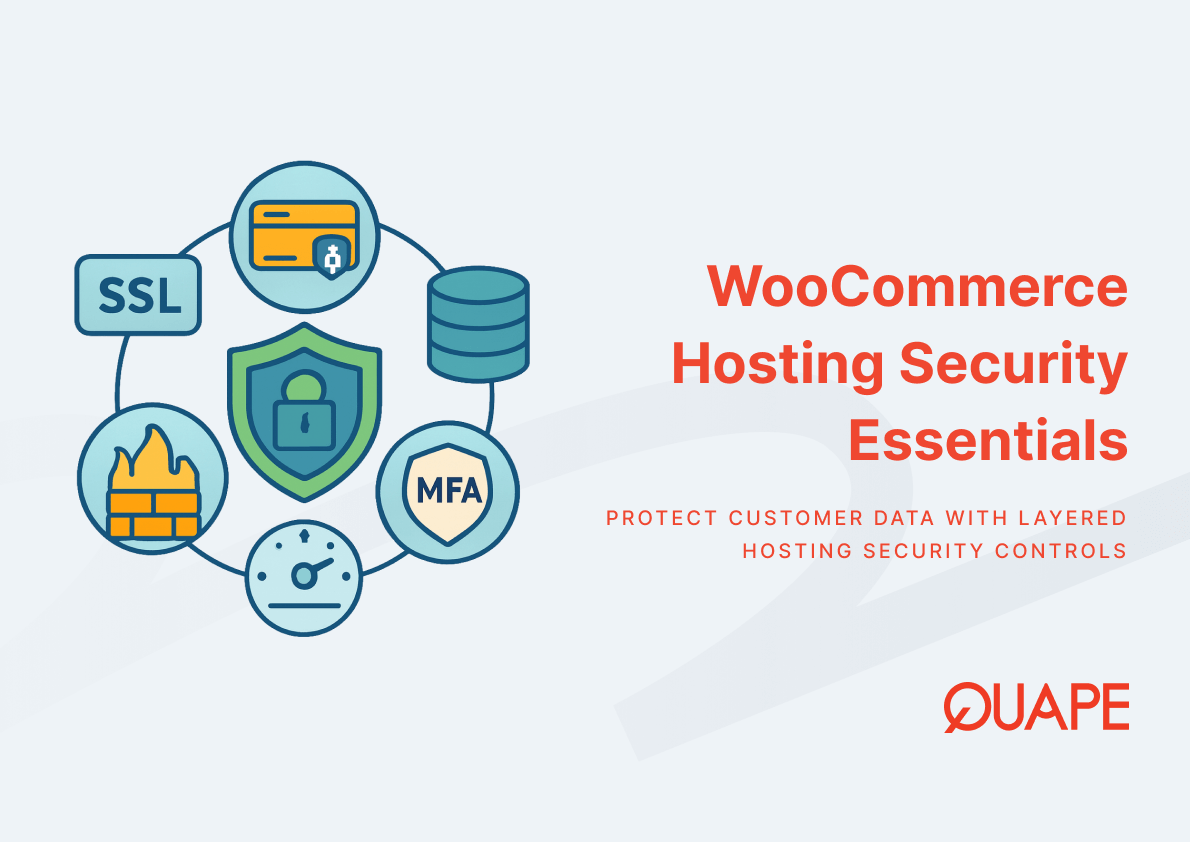
Online stores handle sensitive customer data including payment information, personal addresses, and purchase histories, which creates legal and operational obligations for data protection. PCI DSS guidance explicitly warns that public web servers should not store primary cardholder data, requiring hosting architectures that segment payment processing systems from general web traffic and enforce strict access controls. SSL certificates encrypt data in transit between customers and servers, preventing interception of payment credentials and login sessions, while firewalls and intrusion detection systems block malicious traffic before it reaches application layers.
WooCommerce hosting security extends beyond basic SSL implementation to include malware scanning, automated security patching, and monitoring for compromise indicators like unauthorized file modifications or suspicious database queries. For stores using payment gateways that process transactions server-side, the hosting provider must ensure that payment tokens and API credentials remain isolated from web-accessible directories. Compliance audits often require proof of security controls at the infrastructure layer, making hosting choice a governance issue that affects merchant account approvals and insurance premiums. Implementing SSL on WordPress hosting represents the baseline security requirement, with additional controls layered on based on transaction volume and regulatory jurisdiction.
Practical Application for Businesses in Singapore
Singapore’s digital economy reached S$128.1 billion in 2024 according to IMDA reporting, reflecting strong e-commerce adoption and digital payment infrastructure across Southeast Asia. For online stores targeting Singapore and regional customers, hosting location determines network latency, which affects page load times and checkout responsiveness. Round-trip time between customer browsers and servers increases with geographic distance, adding latency that compounds with each API call or database query during page rendering.
Businesses operating Singapore data center infrastructure for WordPress benefit from reduced RTT to local customers, which translates into faster time-to-first-byte and improved Core Web Vitals scores that Google uses in search rankings. The relationship between server location and SEO for WordPress extends beyond simple distance calculations to include content delivery network integration and peering arrangements with local ISPs. Data sovereignty regulations in some jurisdictions require customer data to remain within national borders, making local hosting not just a performance optimization but a compliance requirement for certain business models.
How Managed WordPress Hosting Supports WooCommerce Performance
Managed hosting services shift responsibility for server administration, security patching, backup execution, and performance tuning from the customer to the provider. For SMEs without dedicated DevOps teams, this operational model reduces time-to-remediation when issues occur and ensures consistent application of security updates that prevent exploitation of known vulnerabilities. Managed providers typically implement proactive monitoring that detects performance degradation or security incidents before they affect customer-facing operations.
The trade-off involves higher recurring costs compared to unmanaged or self-administered infrastructure, but the risk mitigation value often exceeds the cost delta for businesses where downtime directly affects revenue. Features like automated daily backups with one-click restore reduce data loss risk, while expert support teams can diagnose and resolve complex issues involving plugin conflicts or database corruption faster than generalist support channels. For stores seeking to improve WordPress speed through hosting optimization, managed services provide access to configuration expertise and infrastructure tuning that would otherwise require internal technical staff.
The managed model also enables continuous optimization as traffic patterns evolve, with providers adjusting resource allocation, caching strategies, and database configurations based on observed workload characteristics. This adaptive approach delivers better long-term performance than static configurations that become suboptimal as store catalogs grow or customer behavior shifts.
Evaluating Hosting for WooCommerce Success
Selecting appropriate hosting for WooCommerce requires evaluating how server capabilities, database performance, storage architecture, and network positioning align with business requirements for transaction throughput, customer experience, and operational reliability. The evidence consistently shows that infrastructure choices affect conversion rates through their impact on page latency and checkout responsiveness, making hosting a revenue-determining decision rather than a back-office operational expense.
Businesses operating in Singapore and Southeast Asia’s growing digital economy should prioritize providers offering local data center presence, high-IOPS storage, and expertise in managing transactional workloads at scale. For guidance on implementing hosting that supports your growth objectives while maintaining security and compliance standards, contact our team to discuss requirements specific to your store architecture and market.
Frequently Asked Questions
What server specifications does WooCommerce actually require to run properly?
WooCommerce requires PHP 7.4 or higher with specific extensions including MySQLi or PDO, cURL, and at least 256 MB of PHP memory allocation for basic operation. For stores with extensive plugin stacks or large product catalogs, 512 MB to 1 GB memory limits prevent timeout errors during checkout. The hosting environment must also provide MySQL 5.6 or higher with InnoDB storage engine for transactional integrity.
How does NVMe storage specifically improve WooCommerce checkout performance?
NVMe storage reduces database query latency by delivering microsecond-scale read and write operations compared to millisecond latencies from legacy HDD or SATA SSD interfaces. During checkout, WooCommerce executes multiple database writes to update cart state, reserve inventory, and record order details. High IOPS from NVMe prevents query queuing that would otherwise delay transaction confirmation and increase abandonment risk.
Why does hosting location matter for Singapore-based online stores?
Network round-trip time increases with distance between servers and customers, adding latency to every HTTP request and database query required to render pages. For Singapore customers accessing stores hosted locally, RTT typically measures 5-20 milliseconds versus 100-200 milliseconds for servers in distant regions. This latency difference affects page load times and checkout responsiveness, which directly influence conversion rates and customer satisfaction.
What security features should WooCommerce hosting include beyond basic SSL?
Beyond SSL encryption for data in transit, WooCommerce hosting should provide automated security patching for WordPress core and PHP runtime, malware scanning to detect compromised files, firewall rules blocking common attack patterns, and database access controls preventing unauthorized queries. PCI DSS compliance requires segmentation of payment processing systems from general web infrastructure, which hosting architectures must enforce through network isolation and access policies.
When should a WooCommerce store upgrade from shared hosting to VPS or managed hosting?
Traffic volume exceeding 10,000 monthly visitors, transaction loads beyond 50 concurrent checkouts, or performance degradation during promotional campaigns typically indicate shared hosting resource limits. VPS provides dedicated CPU and RAM allocation that prevents noisy neighbor effects, while managed hosting adds expert support and optimization services. The upgrade decision should weigh revenue risk from performance issues against incremental hosting costs.
How do managed WordPress hosting services specifically help WooCommerce performance?
Managed providers implement WooCommerce-specific optimizations including database query caching, object caching with Redis or Memcached, CDN integration for static assets, and PHP OPcache tuning. They also monitor transaction processing metrics, proactively address performance bottlenecks, and maintain backup systems that enable rapid recovery from data corruption or security incidents. This continuous optimization delivers better sustained performance than static configurations.
What database configuration changes most impact WooCommerce transaction speed?
Increasing InnoDB buffer pool size to cache frequently accessed tables in memory, enabling query caching for repetitive product lookups, and optimizing connection pool sizes to handle concurrent checkout sessions provide the largest performance improvements. Proper indexing on product and order tables reduces query execution time, while transaction log tuning balances write durability against throughput requirements.
How does PHP version selection affect WooCommerce plugin compatibility and security?
WooCommerce and its ecosystem plugins declare minimum PHP version requirements that change as developers adopt newer language features. Running outdated PHP versions causes fatal errors in plugins or payment gateways, breaking critical functionality. Additionally, PHP versions reach security end-of-life annually, after which known vulnerabilities remain unpatched. Hosting providers must support current PHP versions and provide migration paths as versions deprecate.

- Business Email Hosting vs G-Suite / Microsoft 365 - December 29, 2025
- Shared Hosting vs Dedicated Hosting for Email - December 29, 2025
- SMTP vs POP3 vs IMAP: Which Protocol Fits Your Business Workflow - December 28, 2025