Selecting WordPress hosting involves matching infrastructure capacity to actual visitor volume, storage consumption, and growth trajectory. WordPress powers approximately 43% of all websites, which creates a competitive hosting market but also means organizations must navigate tradeoffs between cost, performance, and operational complexity. For Singapore-based businesses, choosing hosting that aligns with traffic patterns and storage requirements ensures pages load quickly for local audiences while remaining resilient during peak demand.
What Hosting Selection Based on Traffic and Storage Means
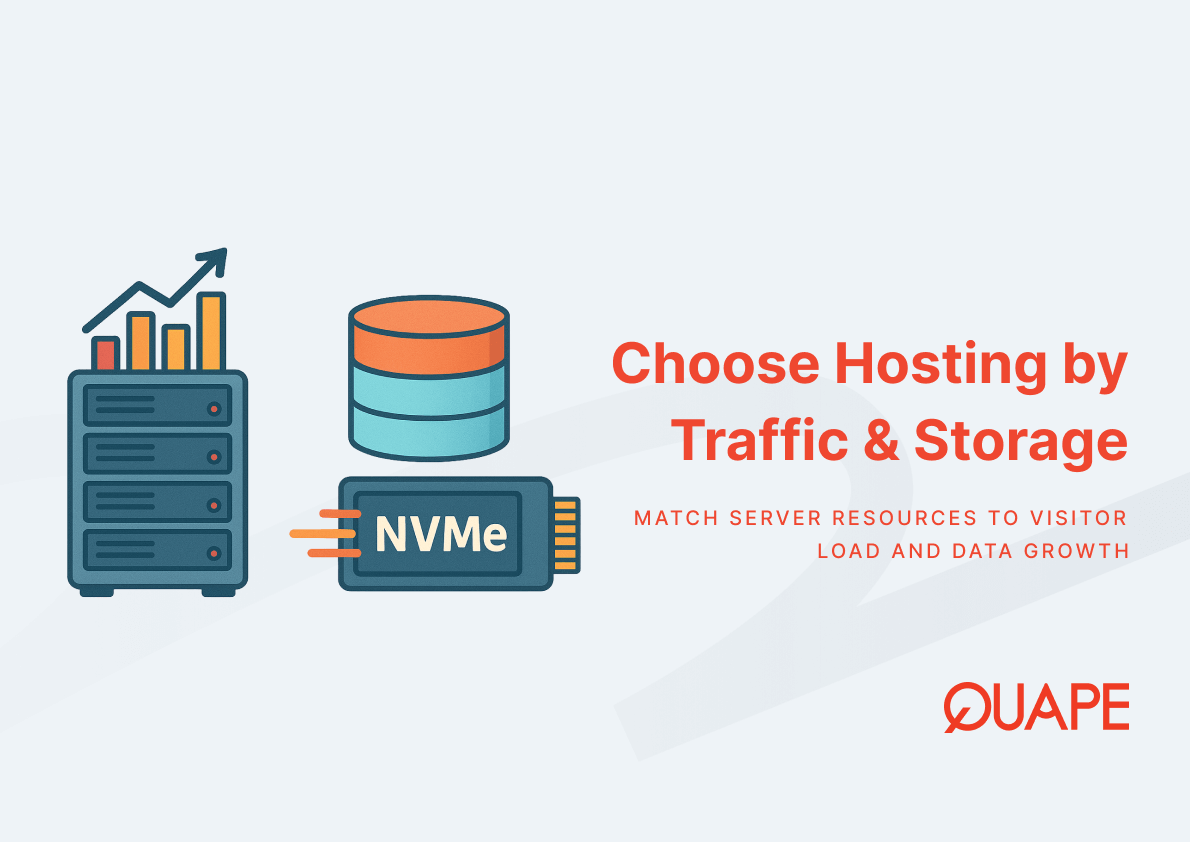
Hosting selection begins with understanding how visitor volume and data storage interact with server resources. Traffic volume determines the CPU cycles, RAM allocation, and IOPS throughput required to serve concurrent requests without latency degradation. Storage capacity governs media library size, backup retention, and database growth over time. When these two dimensions exceed infrastructure limits, page generation slows, backups fail, or autoscaling introduces provisioning delays that frustrate users and reduce conversion rates.
Matching hosting specifications to measured workload prevents both over-provisioning waste and performance bottlenecks. Low-traffic sites function on shared hosting with fixed resource envelopes, while high-traffic platforms require dedicated server allocations or cloud-based autoscaling mechanisms that respond to demand fluctuations in real time.
Key Takeaways
- Visitor volume drives CPU, RAM, and IOPS requirements; storage capacity governs media files, database size, and backup retention policies
- NVMe storage delivers substantially higher throughput than SATA SSDs, reducing per-request latency for WordPress database operations and improving Core Web Vitals metrics
- Shared hosting suits low-traffic sites with predictable resource consumption; managed hosting and VPS/cloud options support traffic spikes and vertical/horizontal scaling
- Public cloud spending is forecast to reach $723.4 billion in 2025, reflecting sustained investment in scalable hosting infrastructure and autoscaling capabilities
- Singapore’s expanding data center market provides local hosting options that reduce network hops and latency for regional audiences
- Security exposure scales with traffic volume; managed hosting reduces risk through automated patching, vulnerability scanning, and hardened configurations
- Auto-scaling introduces tradeoffs between provisioning speed, operational complexity, and billing predictability during sudden demand surges
Key Components of Hosting for Traffic and Storage Planning
Understanding Website Traffic Patterns (Daily, Peak, Seasonal)
Visitor volume varies by time of day, marketing campaigns, and seasonal cycles. Daily traffic patterns reveal baseline resource consumption during normal operations, while peak loads expose how infrastructure responds to concurrency spikes. Seasonal events like product launches or holiday promotions amplify demand temporarily, requiring either pre-allocated capacity buffers or autoscaling triggers that provision additional resources on demand.
Monthly visit totals provide high-level capacity planning benchmarks, but instantaneous concurrent user counts determine whether a hosting plan sustains acceptable page-generation latency. When traffic spikes exceed CPU or RAM thresholds, request queues grow and response times degrade. Measurable drops in engagement and satisfaction occur as response latency increases, which affects both user experience and conversion rates. Analyzing traffic logs identifies when peaks occur and how long they persist, informing whether fixed resource allocations or elastic scaling mechanisms better match operational requirements.
Capacity planning reconciles forecast growth with hosting upgrade paths. Organizations anticipating steady visitor increases can schedule vertical scaling upgrades, while businesses expecting volatile demand benefit from horizontal autoscaling that distributes load across multiple instances.
Storage Requirements for WordPress Websites
Storage consumption encompasses media libraries, database records, plugin files, theme assets, and backup archives. Media-heavy sites accumulate gigabytes of images and videos over time, while database size grows with post revisions, comment history, and e-commerce transaction logs. Backup files stored on the same hosting infrastructure multiply storage requirements, particularly when retention policies preserve daily snapshots for weeks or months.
NVMe storage delivers substantially higher throughput and lower latency than SATA SSDs, which improves WordPress I/O-heavy operations like database queries and concurrent file reads during page generation. For sites with many plugins or dynamic content assembly, NVMe reduces per-request disk latency and increases IOPS, directly enhancing PHP and MySQL performance under concurrent visitor load. The performance difference becomes material when multiple users trigger simultaneous database writes or when caching misses force full page regeneration.
Storage allocation must account for growth projections and backup retention. A 15 GB envelope suits starter sites with minimal media and short backup windows, while 50–100 GB plans accommodate established platforms with extensive archives and multi-week backup retention. Exceeding storage limits interrupts backups and prevents content uploads, creating operational disruptions that affect publishing workflows.
Performance Factors: IOPS, Bandwidth, and Server Resources
IOPS measures the number of input/output operations per second that storage hardware sustains. WordPress generates many small read and write operations during page assembly, making IOPS a critical bottleneck for concurrent visitor scenarios. High IOPS storage paired with adequate CPU and RAM allocations ensures page generation remains fast even when multiple users trigger database queries simultaneously.
Bandwidth governs how quickly content transfers from server to browser. Sites with large images, video embeds, or file downloads consume more bandwidth per visitor, and hosting plans with limited monthly transfer quotas can throttle traffic or incur overage charges during peak periods. Unlimited bandwidth offerings eliminate this constraint but typically come at higher price points.
Core Web Vitals are established page-experience signals that site owners should monitor because page experience is incorporated into Google’s ranking signals. Hosting choices directly affect Largest Contentful Paint (LCP) and Time to First Byte (TTFB), both influenced by server-side processing speed and network latency. Faster storage reduces TTFB, while sufficient CPU and RAM prevent rendering delays that harm LCP scores. Improving Core Web Vitals through hosting upgrades enhances both user satisfaction and search visibility.
Scalability Strategies: Vertical vs Horizontal Scaling
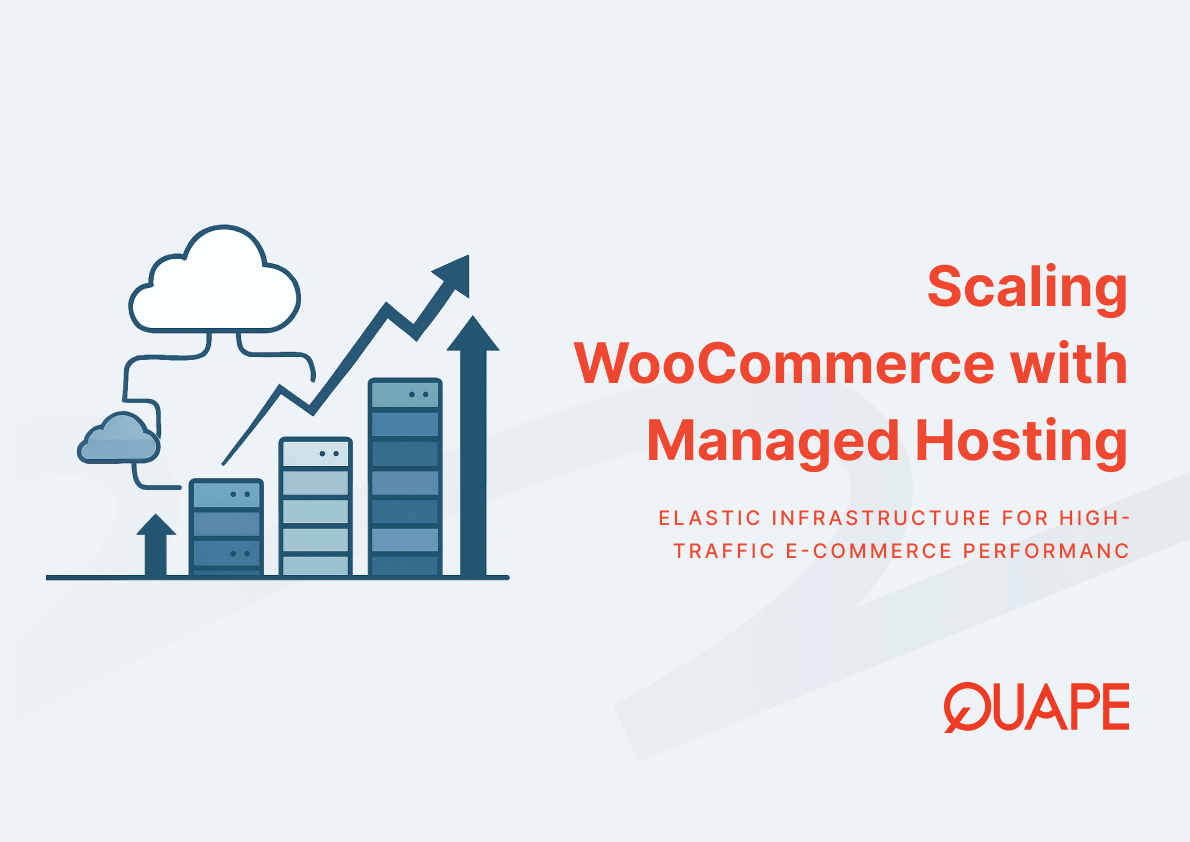
Vertical scaling increases resources within a single server instance by upgrading CPU cores, RAM capacity, or switching to higher-performance storage. This approach simplifies operations because application architecture remains unchanged, but upper limits exist where single-server configurations cannot scale further. Vertical scaling suits businesses experiencing steady growth that can schedule periodic infrastructure upgrades.
Horizontal scaling distributes traffic across multiple server instances using load balancers. Auto-scaling introduces tradeoffs, including latency of instance provisioning, operational complexity, and variable billing models. When traffic spikes occur, autoscaling provisions new instances within minutes, but provisioning lag can still leave gaps during sudden surges. Horizontal scaling also requires session management and database replication strategies to ensure state consistency across instances.
For WooCommerce sites managing unpredictable traffic spikes, horizontal autoscaling prevents cart abandonment during flash sales by maintaining low response times even when visitor volume multiplies. The complexity tradeoff involves configuring load balancers, monitoring instance health, and managing cloud costs that fluctuate with demand.
Evaluating Growth Readiness Based on Business Stage
SMEs typically start with shared hosting to minimize costs, accepting resource constraints that match initial low-traffic volumes. As visitor counts grow and business-critical operations depend on site availability, upgrading to managed hosting or VPS plans provides dedicated resources and operational support. Enterprise organizations require infrastructure that handles high concurrency, integrates with CI/CD pipelines, and offers SLA guarantees for uptime and performance.
Growth readiness involves planning upgrade paths before performance degradation affects user experience. Monitoring visitor trends, storage consumption rates, and peak load incidents informs when current hosting plans approach capacity limits. Proactive upgrades prevent emergency migrations triggered by site slowdowns or downtime, preserving business continuity and customer trust.
Hosting providers offering tiered plans with clear upgrade paths simplify infrastructure scaling. Organizations can transition from 15 GB starter plans to 50 GB or 100 GB configurations as storage needs expand, or migrate from shared hosting to VPS environments when traffic volume justifies dedicated resource allocations.
Choosing the Right Hosting Based on Singapore Business Context
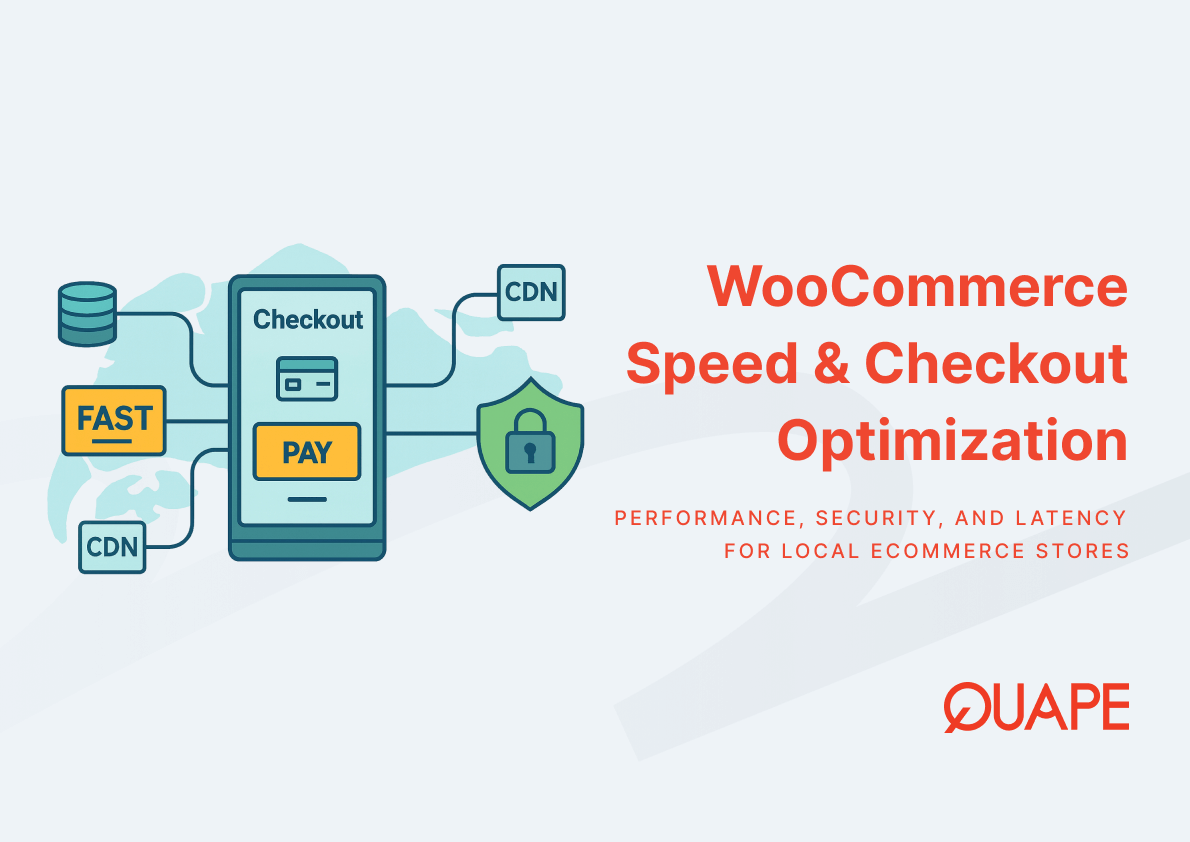
Singapore is a major and actively expanding data center market in APAC, supported by large investments and M&A activity. Local hosting options reduce network hops between server and visitor, lowering latency for Singapore-based audiences. When users access sites hosted in Singapore data centers, page load times improve compared to servers located in distant regions, which directly enhances Core Web Vitals scores and conversion rates.
Latency sensitivity varies by content type and user expectations. E-commerce checkout flows and interactive dashboards demand sub-second response times to prevent cart abandonment, while informational blogs tolerate slightly higher latency. The Singapore data center market is estimated at USD 4.33 billion in 2025, with multi-MW capacity growth, indicating sustained investment in local infrastructure that supports enterprise-grade managed services and high-availability configurations.
Regulatory compliance sometimes mandates data residency within specific jurisdictions. Organizations subject to local data protection requirements benefit from hosting providers operating local versus global infrastructure, ensuring personal data remains within Singapore borders while still accessing global CDN edge networks for static content delivery.
Selecting Singapore-based hosting aligns infrastructure location with target audience geography, reducing round-trip latency that affects both user experience and SEO performance. For businesses serving APAC markets, local data center presence becomes a competitive advantage that improves engagement and supports regional growth strategies.
How WordPress Hosting Plans Adapt to Traffic and Storage Needs
Managed WordPress hosting plans structure resource allocations around typical usage profiles. Entry-level plans provide 15 GB NVMe storage and support single-site deployments suitable for small business websites or blogs with moderate visitor traffic. NVMe drives reduce disk I/O bottlenecks during database queries and plugin execution, ensuring pages load quickly even when concurrent visitors trigger simultaneous requests.
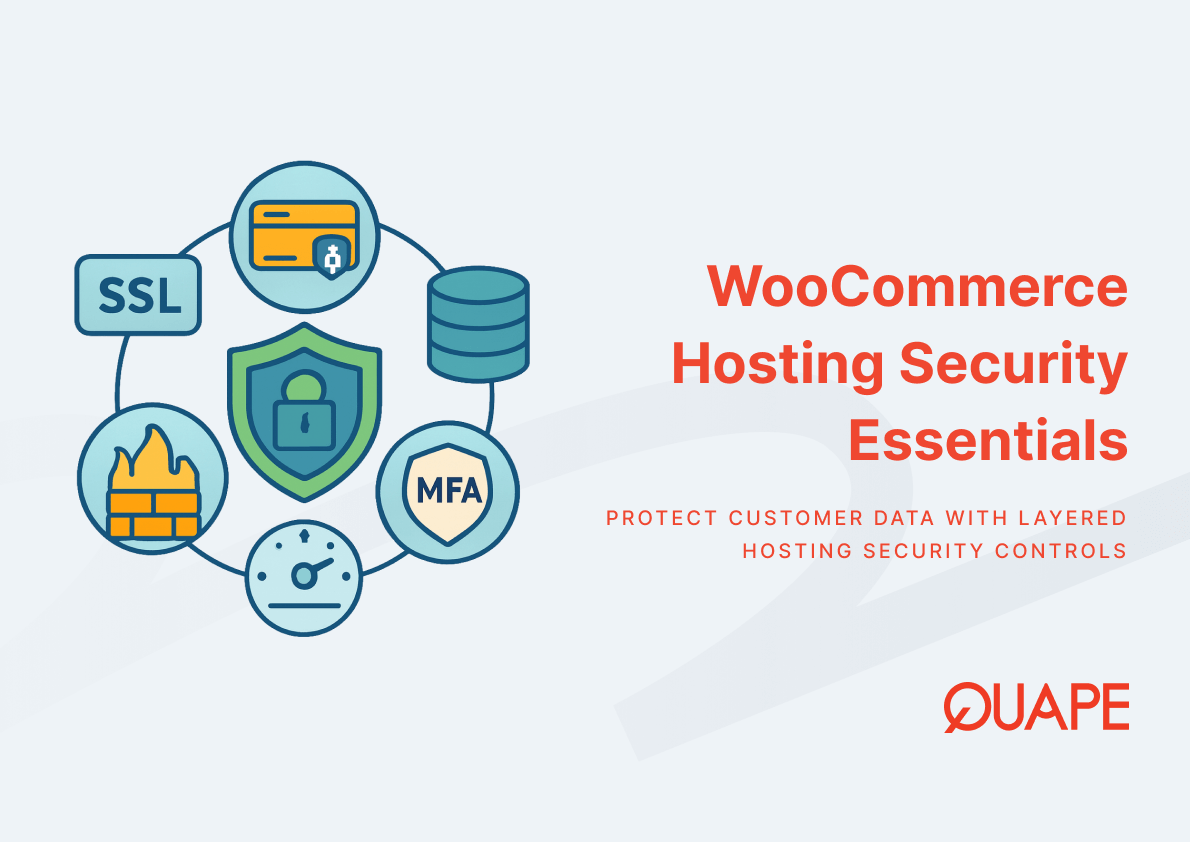
Mid-tier plans expand storage to 50 GB and support multiple WordPress installations, accommodating agencies managing client sites or businesses operating separate domains for different product lines. Daily automated backups preserve content and configurations, enabling one-click restoration if plugin conflicts or attacks compromise site integrity. Security exposure in the WordPress ecosystem remains significant, with thousands of plugin and theme vulnerabilities disclosed annually. Managed hosting reduces risk through monthly security updates, vulnerability scanning, and hardened server configurations that mitigate exploit attempts.
Enterprise plans allocate 100 GB storage and include content update services, offloading routine maintenance tasks from internal teams. High IOPS server configurations handle traffic spikes without performance degradation, while multi-site support enables complex organizational structures with centralized management. When traffic volume exceeds standard WordPress hosting capacity, VPS plans offer dedicated CPU, RAM, and storage for high-performance requirements.
Backup automation ensures recovery options remain current without manual intervention. Daily snapshots capture incremental changes, allowing restoration to specific points in time if content updates introduce errors or security incidents require rollback. Retention policies balance storage consumption against recovery flexibility, preserving recent snapshots while archiving older backups to separate storage tiers.
Conclusion
Choosing hosting based on traffic and storage needs requires matching infrastructure specifications to measured workload patterns and growth projections. NVMe storage reduces latency for database-intensive WordPress operations, while adequate bandwidth and IOPS allocations prevent performance bottlenecks during peak visitor periods. Singapore businesses benefit from local data center options that reduce network latency and support regional compliance requirements. Auto-scaling introduces operational flexibility for unpredictable traffic spikes but adds provisioning complexity compared to fixed vertical scaling approaches. Managed hosting reduces security exposure through automated patching and hardened configurations, addressing ecosystem vulnerabilities that scale with site visibility.
Need help selecting a hosting plan aligned with your traffic patterns and storage requirements? Contact our sales team to discuss infrastructure options that match your business objectives and growth trajectory.
Frequently Asked Questions
How do I calculate the storage capacity I need for my WordPress site?
Start by auditing your current media library size, database volume, and plugin/theme file totals. Add 30–50% buffer for growth and multiply by your backup retention period to account for daily snapshot storage. Sites with extensive image galleries or video content require substantially more capacity than text-focused blogs.
What traffic volume justifies upgrading from shared to managed hosting?
When you consistently exceed 5,000–10,000 monthly visitors or experience performance degradation during peak hours, shared hosting resource limits likely constrain your site. Managed hosting provides dedicated CPU and RAM allocations that sustain faster page generation under concurrent load and include operational security that reduces administrative overhead.
How does NVMe storage specifically improve WordPress performance?
NVMe storage connects via PCIe interfaces rather than SATA, delivering orders of magnitude higher IOPS for concurrent small read/write operations typical of database-driven CMS platforms. This reduces per-request latency during page generation, improves Time to First Byte, and enhances Largest Contentful Paint scores that influence both user engagement and search rankings.
Should I choose vertical or horizontal scaling for traffic spikes?
Vertical scaling simplifies operations by upgrading existing server resources and works well for predictable growth patterns. Horizontal scaling distributes load across multiple instances and handles volatile traffic better but requires load balancing configuration and session management complexity. Most businesses start with vertical scaling and transition to horizontal approaches only when single-server limits are reached.
Why does hosting location matter for Singapore-based websites?
Network latency increases with geographic distance between server and visitor. Hosting in Singapore data centers reduces round-trip times for local audiences, improving page load speeds and Core Web Vitals metrics that affect both user satisfaction and SEO performance. This becomes critical for e-commerce sites where millisecond delays measurably impact conversion rates.
What security features should I look for in managed WordPress hosting?
Essential security features include automated monthly security updates, vulnerability scanning for plugins and themes, hardened server configurations that limit exploit vectors, and daily backups with one-click restoration. WordPress ecosystem complexity creates substantial attack surface, and managed hosting reduces operational risk through proactive patching and monitoring.
How do I know when my current hosting plan is reaching capacity?
Monitor visitor concurrency during peak hours, storage consumption rates, and Core Web Vitals metrics like TTFB and LCP. Consistent degradation in load times, failed backups due to storage limits, or server resource alerts indicate you’re approaching capacity constraints. Proactive upgrades before performance impacts user experience prevent emergency migrations and business disruptions.
Can I migrate between hosting tiers without downtime?
Most managed hosting providers support seamless migrations between plan tiers using staging environments and DNS cutover techniques that minimize visitor-facing interruptions. The migration window depends on site size and complexity, but professional migration services typically complete transfers within hours while preserving content, configurations, and SEO elements like URL structures.

- Business Email Hosting vs G-Suite / Microsoft 365 - December 29, 2025
- Shared Hosting vs Dedicated Hosting for Email - December 29, 2025
- SMTP vs POP3 vs IMAP: Which Protocol Fits Your Business Workflow - December 28, 2025