Insights
Outlook Showing “Access Denied”? Microsoft Is Down, QUAPE Mail Servers Are Up and Running
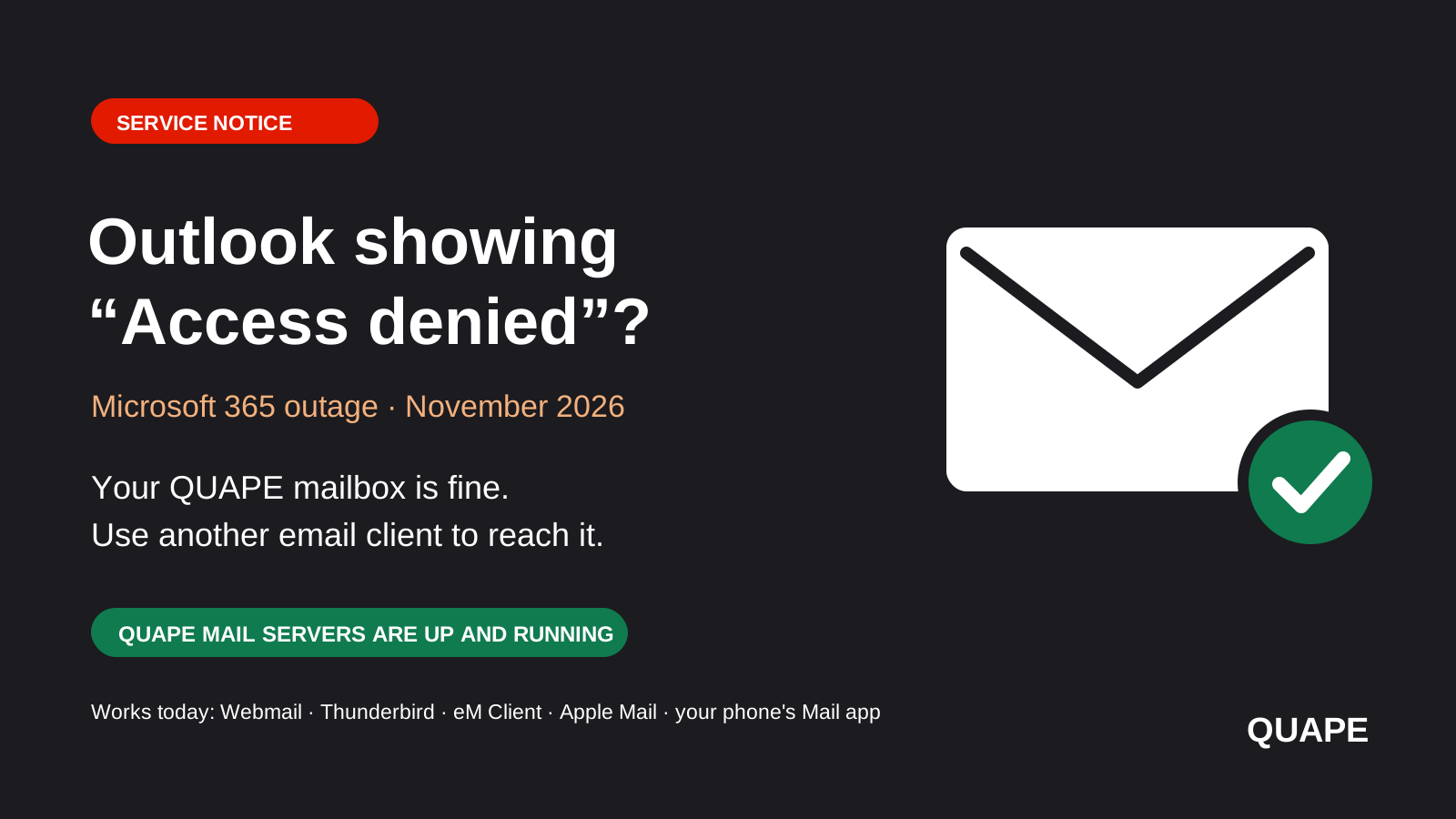
Since 12 November 2026 a major Microsoft 365 outage has left large numbers of people around the world unable to open their email in Outlook. If you read your QUAPE-hosted mailbox through the free Outlook app and you are seeing an “Access denied” error or an inbox that will not load, the problem is on Microsoft's side.
QUAPE mail servers are up and running. Your mailbox is online, your messages are safe, and email sent to you is being delivered as normal. You only need a different way to open it until Microsoft recovers. This article explains why Outlook is affected and which email clients you can use instead.
The short version
The free Outlook app does not talk to your mail server directly. It goes through Microsoft's cloud first, so when Microsoft has an outage you can be locked out of a mailbox that is working perfectly. Open your mail through QUAPE webmail right now, or set up Thunderbird, eM Client, Apple Mail or your phone's built-in Mail app. These connect straight to our servers and are not affected.
What is happening at Microsoft?
Microsoft has confirmed a large-scale incident affecting Exchange Online and Outlook, along with Teams, Copilot, SharePoint and other Microsoft 365 services. It began on 12 November 2026 in the Americas and was later widened to users in any region. Outage tracker Downdetector recorded around 130,000 reports at the peak.
According to Microsoft's status updates, a large number of its servers became unexpectedly unavailable, and servers that were brought back became unresponsive again once traffic returned. The company has said there is no indication of a cyber attack and that it is reverting a recent network configuration change. At the time of writing recovery is partial and Microsoft has not given a time for full restoration.
Why does this affect my QUAPE email?
It does not affect your mailbox. It affects the app you are using to reach it.
The free Outlook app that now ships with Windows, often called “new Outlook”, and the Outlook mobile app for iPhone and Android work differently from a traditional email program. When you add a mailbox from another provider, Microsoft's cloud signs in to your mail server on your behalf, copies your mail to Microsoft's systems, and the app then shows you that copy. Outlook on your device never connects to QUAPE directly.
So when Microsoft's cloud is unavailable, the app has nothing to show, even though your real mailbox at QUAPE is online. This is why you may see:
- An “Access denied” message when opening Outlook or your inbox.
- An inbox that stays empty, keeps loading or stops receiving new mail.
- Messages stuck in the Outbox, or repeated requests to sign in again.
Please do not change your email password or delete and re-add your account in Outlook to try to fix this. Neither will help while Microsoft is down, and re-adding the account will fail for the same reason.
How to reach your email right now
1. Use webmail
The quickest option needs no setup. Log in to your QUAPE webmail from any browser with your full email address and your usual password. Everything in your mailbox is there, and you can send and receive immediately. If you are unsure of your webmail address, check your hosting welcome email or open a support ticket and we will send it to you.
2. Switch to an email client that connects directly
The email programs below connect straight to our mail servers over IMAP. Nothing passes through a third party, so an outage at Microsoft or anyone else does not lock you out.
| Email client | Works on | Cost | Good for |
|---|---|---|---|
| Mozilla Thunderbird | Windows, macOS, Linux, Android | Free, open source | A dependable everyday mail program with no account or subscription needed |
| eM Client | Windows, macOS, iOS, Android | Free for personal use, paid licence for business | People who like the Outlook layout, with calendar and contacts built in |
| Apple Mail | Mac, iPhone, iPad | Included with the device | Apple users who want nothing extra to install |
| Your phone's built-in Mail app | iPhone Mail, Samsung Email, Thunderbird for Android | Included or free | Getting mail on your phone again in a few minutes |
| Classic Outlook desktop | Windows, as part of paid Microsoft Office | Paid | Offices that must stay on Outlook. The classic desktop version connects to IMAP mailboxes directly, unlike the free new Outlook |
If your team prefers something that looks and feels like Outlook, eM Client is the closest match. We compared the two in detail in eM Client vs Outlook for Singapore businesses.
Setting up a new email client
Most email clients find the right settings on their own when you enter your email address and password. If yours asks for them, use the details from your QUAPE welcome email or hosting control panel:
- Account type: IMAP, so that your mail stays on the server and matches across all your devices.
- Username: your full email address.
- Password: your existing mailbox password. Nothing needs to change.
- Incoming mail (IMAP): port 993 with SSL/TLS.
- Outgoing mail (SMTP): port 465 with SSL/TLS, or port 587 with STARTTLS, with authentication turned on.
Because IMAP keeps everything on our servers, your folders, sent items and existing messages appear in the new client automatically. You lose nothing by switching, and you can go back to Outlook later if you wish.
Is it worth switching for good?
This outage is a useful reminder that the free Outlook app adds an extra company between you and your own mailbox. With a client that connects directly:
- Your email depends on fewer things. If your mail server is up, you can read your mail.
- Your mail and password stay between you and your provider. They are not copied to a third party's cloud in order to be displayed.
- There are no advertisements in your inbox and no account to create with another company.
For most businesses we recommend Thunderbird or eM Client on computers, the built-in Mail app on phones, and webmail as a backup that always works from any browser.
Looking for an alternative to Microsoft 365?
An outage like this affects more than email. Files, chat and meetings all stop together when they sit with one provider. If you would like to rely less on a single company, QUAPE offers alternatives hosted in Singapore that you control:
- Business email hosting. Mailboxes on your own domain that work with any standard email client, so no single app can lock you out. See our business email hosting.
- Nextcloud for files and collaboration. A private alternative to OneDrive and SharePoint for file storage, sharing, calendars, contacts and online document editing, on your own instance. See our managed Nextcloud hosting.
- A custom Teams alternative built on Matrix. Secure team chat, voice and video calls on an open standard, set up and hosted for your organisation, with your conversations kept on your own server.
You can move one piece at a time, for example email first and files later, and we can help with the migration. Speak to us for more information and we will recommend a setup that fits your team.
What about email sent to me during the outage?
Mail sent to your QUAPE-hosted address has been arriving normally throughout, and it is waiting in your mailbox. Open webmail or another client and you will see it. If you are writing to someone whose own email is hosted on Microsoft 365, your message may be delayed on their side until Microsoft recovers. It will be delivered once their service is back, so there is no need to send it again.
Need a hand?
If you would like help setting up Thunderbird, eM Client or your phone, or you cannot find your webmail address or mail settings, open a support ticket from your QUAPE account or contact our team and we will walk you through it.
Sources: Microsoft 365 service health updates (incident EX1550543) and reporting by CNA, ABC News and TechCrunch on 12 and 13 November 2026. We will update this article when Microsoft confirms that service is fully restored.