WordPress
Step-by-Step Setup Guide for WordPress Hosting in Singapore
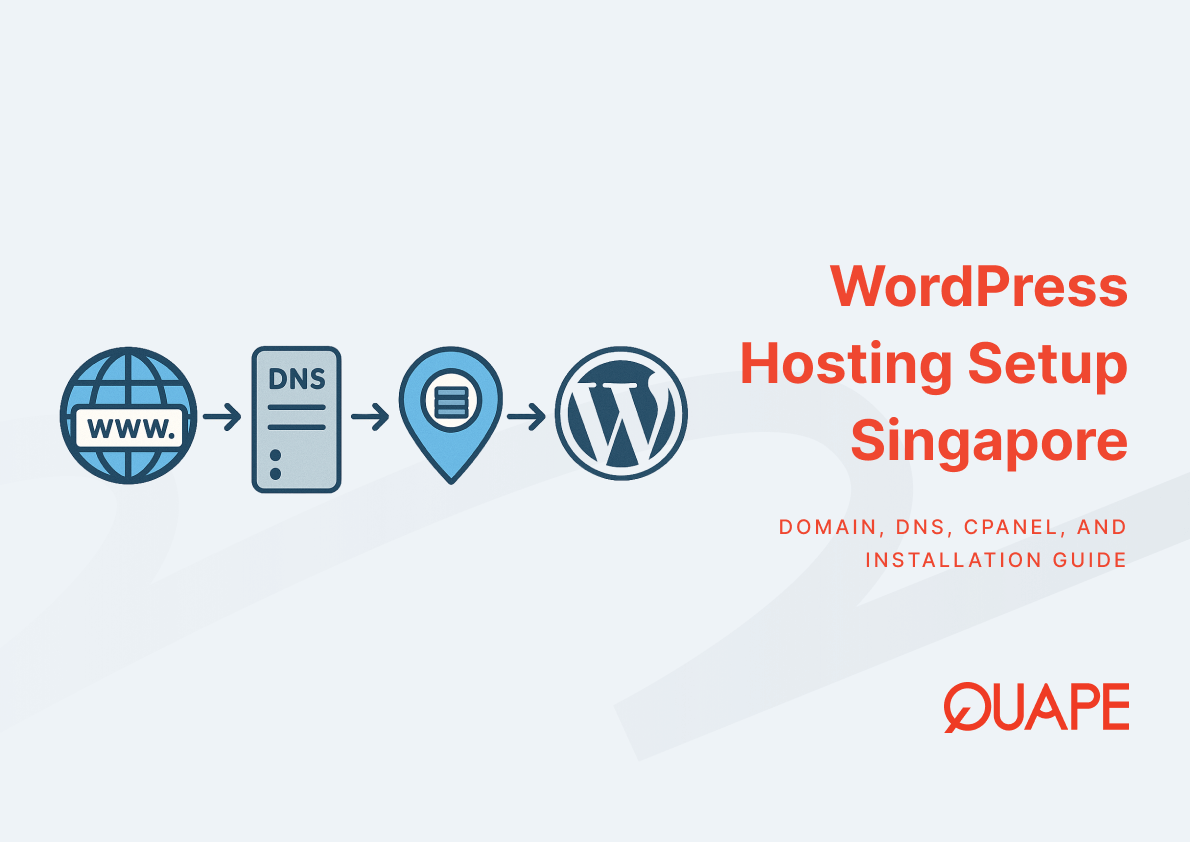
Setting up WordPress hosting in Singapore requires coordination across domain registration, DNS configuration, server provisioning, and software installation. For businesses targeting Southeast Asian markets, Singapore’s data center infrastructure offers measurable latency advantages: median fixed broadband speeds from top ISPs exceed 400 Mbps, and proximity to regional users reduces round-trip time for dynamic page requests that cannot be fully cached at the edge. This guide walks through the technical and operational steps needed to deploy a WordPress site on Singapore-based hosting, from initial domain setup through final verification, with attention to security, performance, and compliance considerations relevant to SMEs and enterprise IT teams.
Setup WordPress hosting Singapore refers to the complete process of provisioning server resources, configuring domain and DNS records, installing WordPress software, and verifying that all components interact correctly to serve a functional website from a Singapore data center. The process spans infrastructure provisioning (allocating CPU, RAM, storage), DNS delegation (pointing a domain to the correct nameservers and A records), software installation (deploying WordPress and its database dependencies), and post-launch verification (confirming HTTPS, plugin security, and backup automation). Each component depends on others: DNS configuration determines how users resolve the domain to the server IP, cPanel or WP Toolkit automates the installation workflow, and SSL certificate provisioning secures the connection between visitors and the server. Singapore-specific considerations include regulatory alignment with IMDA and BCA data center energy standards, which target PUE levels around 1.3 to improve operational efficiency and support corporate ESG reporting.
Key Takeaways
- Domain registration and DNS configuration must complete before WordPress installation, as nameserver delegation and A record propagation determine how traffic reaches the server.
- cPanel and WP Toolkit provide structured interfaces for database creation, PHP version selection, and one-click WordPress deployment, reducing manual configuration errors.
- Singapore data center hosting delivers lower latency for regional users due to high local broadband performance and dense ISP peering, improving perceived page load and Core Web Vitals scores.
- SSL certificate automation through Let’s Encrypt increases HTTPS adoption but requires monitoring to prevent certificate expiry incidents that can cause outages.
- Plugin and theme security audits before migration reduce risk, as cross-site scripting, CSRF, and SQL injection vulnerabilities remain common in third-party WordPress components according to Wordfence and WPScan reporting.
- NVMe storage configurations outperform legacy HDD and SATA SSD in transaction-heavy workloads, translating to faster database queries and improved page render times under concurrent load.
- NIST SP 800-34 contingency planning guidance informs backup strategy by defining recovery time objectives (RTO) and recovery point objectives (RPO) that align with business continuity requirements.
- Managed WordPress hosting reduces operational overhead by automating updates, backups, and certificate renewals, supporting the broader market trend toward hybrid and managed services adoption.
Introduction to Setting Up WordPress Hosting in Singapore
WordPress powers roughly 43% of all websites globally, creating a dominant ecosystem that shapes plugin availability, migration tooling, and security risk profiles. For businesses operating in or targeting Singapore and Southeast Asia, hosting WordPress in a Singapore data center aligns server location with user geography, reducing network latency and improving user experience for dynamic content that relies on real-time database queries. Setting up WordPress hosting in Singapore involves a sequence of interdependent tasks: securing a domain, configuring DNS records to point that domain to the correct server, provisioning server resources through a hosting control panel, installing WordPress and its MySQL database, and verifying that SSL certificates, backups, and security updates operate as expected.
The Singapore domain registry (SGNIC) reports approximately 203,000 .sg domain names, indicating strong local domain adoption and demand for region-specific hosting services. This demand is supported by Singapore’s broadband infrastructure: Ookla reports that the top fixed ISP in Singapore achieved a median download speed of 421.38 Mbps in the first half of 2025, ensuring that end users experience fast page loads when servers are located nearby. For IT managers and CTOs evaluating hosting options, the setup process must balance technical requirements like DNS propagation timing, SSL automation, and plugin security with business considerations such as data sovereignty, compliance with local regulations, and alignment with corporate ESG goals tied to IMDA and BCA data center efficiency standards.
Key Components of WordPress Hosting Setup
Choosing and Registering a Domain for WordPress
Domain registration establishes the human-readable address that users type into browsers to access a WordPress site. The registration process involves selecting an available domain name, completing WHOIS registration with contact information, and designating authoritative nameservers that will handle DNS queries for that domain. IETF RFCs 1034 and 1035 define the domain name system’s architecture: nameservers respond to queries with resource records (A records for IPv4 addresses, AAAA for IPv6, MX for mail) that map domain names to IP addresses or other services. Once a domain is registered, DNS propagation begins, during which recursive resolvers around the world cache the new nameserver and record information according to time-to-live (TTL) values set in the DNS zone.
For businesses registering .sg domains, SGNIC’s registration policies require a local presence or trademark claim, which affects eligibility and documentation. Global domains like .com or .net impose fewer restrictions but lack the local signal that .sg provides to Singaporean users. After registration, the domain must be configured to point to the hosting provider’s nameservers or directly to the server’s IP address via an A record, completing the link between the domain and the physical server infrastructure. This step is foundational: without correct DNS delegation, users cannot reach the WordPress installation even if the server is fully configured and online.
DNS Configuration for Singapore-Based Hosting
DNS configuration translates a domain name into the IP address of the server hosting the WordPress site. When a user types a domain into their browser, recursive DNS resolvers query authoritative nameservers for the domain’s A record, which returns the server’s IPv4 address. The browser then establishes a TCP connection to that IP, initiating the HTTP request that retrieves the WordPress homepage. TTL values in DNS records control how long resolvers cache each record: lower TTLs (e.g., 300 seconds) allow faster propagation of changes but increase query load on authoritative nameservers, while higher TTLs (e.g., 86400 seconds) reduce query volume but delay propagation of updates.
For server location and SEO in WordPress, hosting in Singapore reduces latency for regional users because packets travel shorter physical distances and traverse fewer network hops between the server and the end user. Singapore’s dense ISP peering environment and high broadband speeds amplify this advantage: when a server in Singapore responds to a query from a user in Malaysia or Indonesia, the round-trip time is measurably lower than if the server were located in Europe or North America. This latency reduction improves perceived page load speed, which influences Core Web Vitals metrics like Largest Contentful Paint (LCP) and user engagement signals that search engines consider in ranking algorithms. DNS configuration must be verified after initial setup to ensure that A records resolve correctly and that no stale CNAME or conflicting records interfere with traffic routing.
Using cPanel for WordPress Installation and File Management
cPanel provides a graphical interface for server management tasks that would otherwise require command-line access or direct file system manipulation. In the context of WordPress setup, cPanel automates database creation, PHP version selection, FTP account provisioning, and file uploads through its File Manager. When an administrator logs into cPanel, they can create a MySQL database and database user with specific privileges, which WordPress requires to store posts, pages, user accounts, and configuration data. cPanel also exposes SSL certificate management, allowing administrators to install Let’s Encrypt certificates or upload custom certificates to secure the site with HTTPS.
For teams managing cPanel and server management for WordPress, the control panel reduces the technical barrier to deploying and maintaining multiple WordPress installations. FTP accounts created through cPanel enable developers to upload themes, plugins, and media files without needing SSH access, which some hosting environments restrict for security reasons. File Manager provides a web-based interface for editing configuration files like wp-config.php, .htaccess, and robots.txt, tasks that are common during site customization and troubleshooting. The cPanel dashboard also displays server resource usage (CPU, RAM, disk I/O), helping administrators identify performance bottlenecks and decide when to upgrade hosting plans or optimize site configurations.
Installing WordPress via cPanel or WP Toolkit
WordPress installation through cPanel or WP Toolkit automates the manual steps of downloading WordPress files, creating a database, populating database credentials in wp-config.php, and running the initial setup wizard. WP Toolkit, in particular, offers one-click installation, automatic updates for core WordPress files and plugins, staging environments for testing changes, and integrated security scanning. When an administrator initiates a WP Toolkit installation, the system creates a MySQL database, generates a secure database password, uploads the latest WordPress release, configures the database connection, and completes the installation wizard with default settings.
PHP and MySQL affect WordPress compatibility and performance. Check supported versions and extensions, then review memory, queries and resource limits. Control-panel capabilities depend on the hosting configuration; do not assume WP Toolkit exposes database tuning or guarantees rollback. MySQL 8 has no legacy query cache. Test updates and verify backups before production changes.
Practical Application for Businesses in Singapore
Local hosting for WordPress in Asia addresses latency, compliance, and operational control concerns that global hosting cannot fully satisfy. For SMEs selling to Singaporean customers, hosting the WordPress site in a Singapore data center ensures that product pages, checkout flows, and customer dashboards load quickly during business hours when local traffic peaks. This latency advantage translates to measurable improvements in conversion rates: faster page loads reduce abandonment during checkout, and lower time-to-interactive metrics improve user satisfaction and SEO rankings. Singapore’s regulatory environment also supports local hosting for businesses subject to data sovereignty requirements or sector-specific compliance mandates, as data remains within Singapore’s legal jurisdiction and physical infrastructure.
IMDA and BCA have published data center efficiency targets that encourage operators to achieve PUE levels around 1.3, reducing energy consumption per compute workload and supporting corporate ESG reporting. For CTOs and procurement leads evaluating hosting providers, alignment with these efficiency standards signals operational maturity and long-term cost control, as energy-efficient data centers pass savings through to customers via stable pricing and reduced cooling overhead. Migration from global providers to Singapore-based managed hosting also simplifies vendor management: a single provider handles server provisioning, WordPress updates, SSL certificate renewals, and backup automation, reducing the operational burden on internal IT teams and allowing them to focus on application development and business logic.
How WordPress Hosting by Quape Supports a Smooth Setup
Managed WordPress hosting reduces setup complexity by automating infrastructure provisioning, SSL certificate issuance, and backup scheduling. Quape’s WordPress hosting plans include NVMe storage, which outperforms HDD and SATA SSD configurations in transaction-heavy workloads according to peer-reviewed benchmarking studies. NVMe’s lower latency and higher IOPS improve database query performance, reducing page render times for dynamic content like WooCommerce product catalogs or membership dashboards under concurrent load. WP Toolkit integration streamlines plugin updates and security scanning, addressing the vulnerability classes (cross-site scripting, CSRF, SQL injection) that Wordfence and WPScan identify as recurring risks in third-party WordPress components.
Automated daily backups align with NIST SP 800-34 contingency planning guidance, which recommends defining recovery time objectives (RTO) and recovery point objectives (RPO) based on business continuity requirements. For a WordPress site supporting e-commerce or customer portals, an RTO of one hour and RPO of 24 hours might be appropriate, ensuring that the site can be restored within an hour using the previous day’s backup if a critical incident occurs. Let’s Encrypt integration automates SSL certificate issuance and renewal, increasing HTTPS adoption and eliminating manual certificate management tasks that can cause outages if forgotten. However, automated certificate workflows require monitoring: certificate expiry bugs, misconfigured renewal scripts, or rate limit exhaustion can interrupt service, so teams should verify that certificate expiry alerts and renewal logs are functioning correctly.
For businesses migrating from other hosting providers, Quape offers free site migration within one to three business days, handling DNS cutover, file transfer, database import, and post-migration verification. This service reduces the risk of misconfiguration or downtime during migration, a period when DNS propagation delays, plugin compatibility issues, or SSL certificate mismatches can cause visitor-facing errors. Post-migration, managed hosting continues to automate routine tasks like core WordPress updates, plugin patches, and security scanning, supporting the broader market trend toward hybrid and managed services adoption that Gartner forecasts will drive public cloud spending to 723 billion dollars in 2025. By offloading operational tasks to the hosting provider, internal IT teams can prioritize strategic initiatives over maintenance and firefighting.
Conclusion
Setting up WordPress hosting in Singapore requires coordinating domain registration, DNS configuration, server provisioning, and software installation into a coherent deployment workflow. Each component depends on others: DNS must resolve correctly before users can reach the server, cPanel or WP Toolkit must provision databases and PHP environments for WordPress to run, and SSL certificates must be installed and renewed to secure connections. For businesses targeting regional users, Singapore’s broadband infrastructure and data center ecosystem deliver latency advantages and operational benefits that improve user experience and align with compliance and ESG requirements. Managed hosting services automate many setup and maintenance tasks, reducing operational overhead and allowing teams to focus on content, conversion optimization, and business growth. If you’re ready to deploy WordPress in Singapore with expert support and high-performance infrastructure, contact our sales team to discuss your requirements and migration timeline.
Frequently Asked Questions
How long does DNS propagation take after changing nameservers?
DNS propagation typically completes within 24 to 48 hours, but the actual time depends on TTL values set in the DNS zone and caching behavior of recursive resolvers worldwide. Lower TTLs accelerate propagation but increase query load on authoritative nameservers. You can verify propagation using DNS lookup tools that query resolvers in different geographic regions.
What PHP version should I use for a new WordPress installation?
PHP 8.1 or 8.2 is recommended for new WordPress installations, as these versions include performance improvements (JIT compilation, optimized memory usage) and security patches not available in PHP 7.x. Most modern WordPress themes and plugins support PHP 8.x, but you should verify compatibility if using legacy components.
Why does server location affect WordPress performance?
Server location affects performance because physical distance and network hops increase latency between the server and the user. When the server is in Singapore and the user is in Singapore or Southeast Asia, packets travel shorter distances, reducing round-trip time and improving page load speed for dynamic content that cannot be cached at the CDN edge.
How do I verify that SSL certificates are renewing automatically?
Check your hosting control panel or server logs for certificate renewal entries, typically scheduled 30 days before expiration. Let’s Encrypt certificates are valid for 90 days, so renewal should occur at least once per quarter. Set up alerts for certificate expiry dates and monitor renewal logs to catch failures before they cause outages.
What should I do before migrating my WordPress site to a new host?
Before migration, audit all plugins and themes for known vulnerabilities using WPScan or Wordfence, back up the entire site (database and files), document custom configurations in wp-config.php and .htaccess, and verify that the new host supports your required PHP version and MySQL configuration. Test the migration in a staging environment if possible.
How does NVMe storage improve WordPress performance?
NVMe storage reduces I/O latency and increases IOPS compared to HDD and SATA SSD, improving database query performance and file read/write operations. For WordPress sites with high traffic or transaction-heavy workloads like WooCommerce, NVMe translates to faster page render times and better Core Web Vitals scores under concurrent load.
What is RTO and RPO in the context of WordPress backups?
RTO (recovery time objective) defines how quickly the site must be restored after an incident, while RPO (recovery point objective) defines how much data loss is acceptable. For example, an RTO of one hour and RPO of 24 hours means the site must be back online within one hour using a backup from the previous day.
Can I manage multiple WordPress sites from one cPanel account?
Yes, cPanel supports multiple WordPress installations within a single account using addon domains or subdomains. WP Toolkit can manage all installations from a unified dashboard, allowing you to update plugins, scan for vulnerabilities, and create staging environments across multiple sites simultaneously.
Technical reference: MySQL 8 system variables and removed query cache. Check the documentation for your deployed database version.